Content Strategy

Content Brief + Topical Gap Generator

Compare public competitor pages or pasted outlines to find recurring subtopics, missing questions, content depth, schema patterns, and a practical writing brief.

Public competitor URLs are fetched through a security-checked, rate-limited WordPress request. Reports are not stored as permanent user records.

Use reference pages or pasted notes to plan useful coverage without copying competitors.

CONTENT BRIEF & TOPICAL GAP GENERATOR

Build a focused brief from your topic and reference pages

WebTrendSEO’s Content Brief & Topical Gap Generator turns your topic and supplied references into a draft content plan. Add a primary keyword, intent, audience, location, and an optional existing page URL.

Provide up to five competitor URLs or paste headings and notes. Add your unique angle, required sections or entities, and choose whether to include FAQs. The report identifies recurring subtopics, missing questions, depth ranges, format patterns, and a suggested outline.

Review the brief against your audience’s needs and your own evidence. The tool does not run an automatic search-result scan or a live AI model, and the outline is a starting point for original editorial work.

Keyword and intent context

Audience and location

Optional existing page URL

Up to five reference URLs

Pasted headings and notes

Unique angle and required sections

Recurring subtopic review

Missing question suggestions

Outline and format patterns
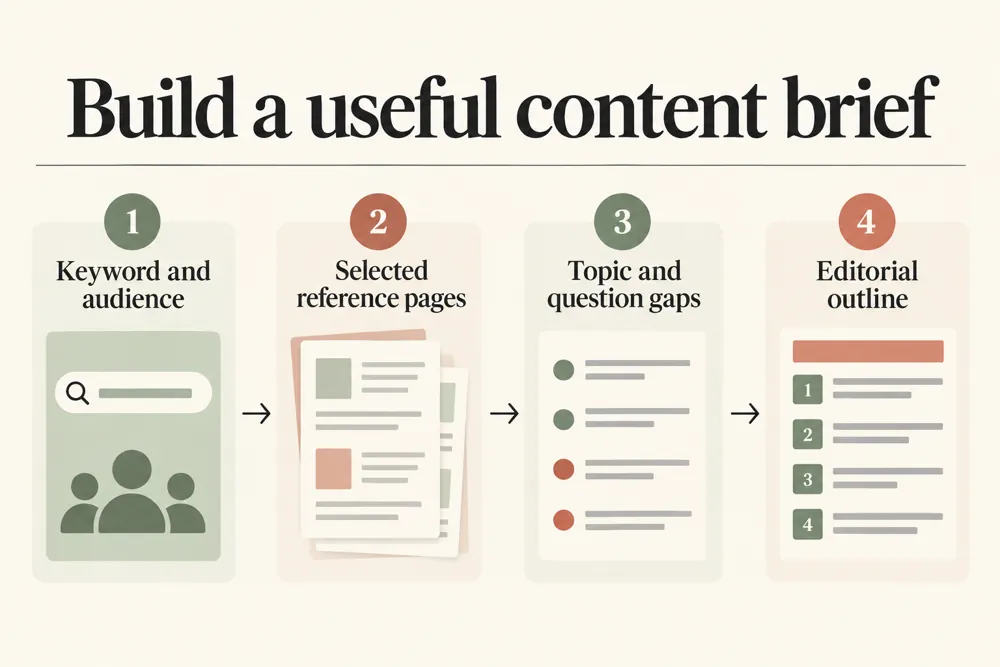
Content brief planning workflow and practical review steps
How It Works

How to create your content brief

Choose relevant references and a clear purpose for the page. Add what you can contribute that those references do not, then review the generated plan.

Add your primary keyword and intent
Describe the audience and location
Supply up to five reference URLs or pasted notes
Add your unique angle and required sections
Choose whether to include FAQs and generate
Review the gaps and outline before assigning the brief
WHY USE THIS TOOL

Find missing questions and useful subtopics

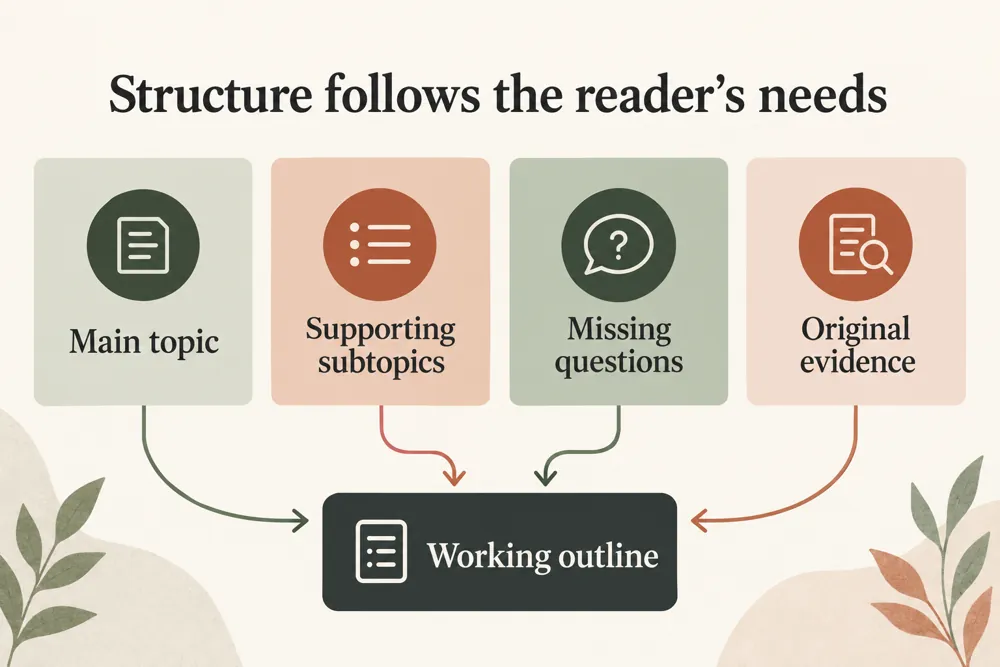
A brief helps an editor connect the main question, useful supporting topics, and the evidence needed to answer them. Reference pages can expose gaps, but their coverage is not a rulebook.

Keep only topics that serve your reader. Use your experience, examples, and sources to build an original page rather than reproducing a competitor’s structure.

Content brief planning signals and findings illustrated

Keep audience needs in the plan

Compare selected reference coverage

Find missing reader questions

Add a clear original angle

Plan useful formats and evidence

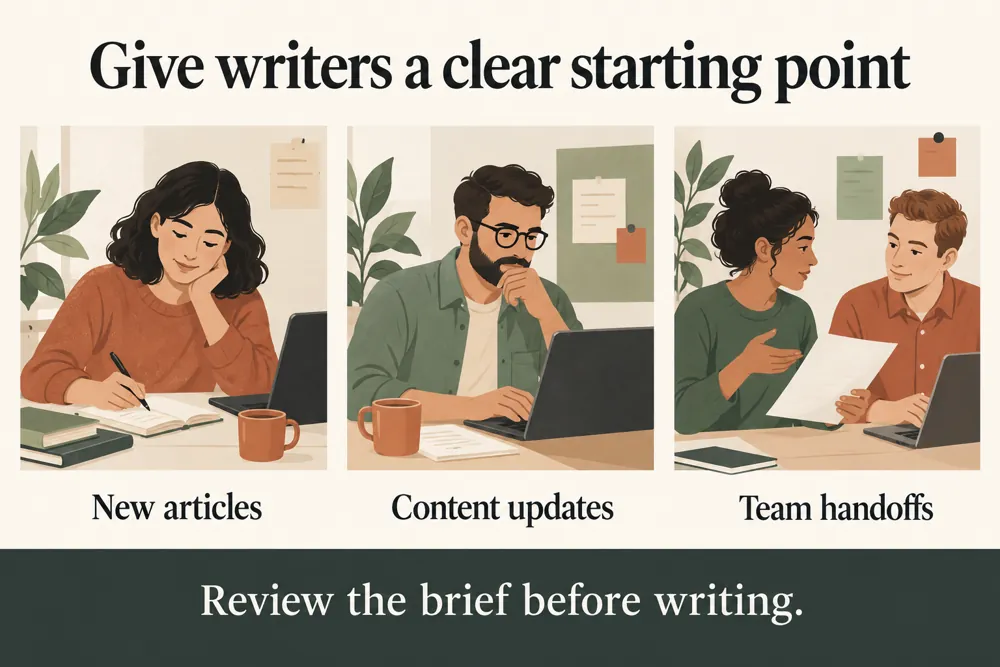
Give writers a focused starting point

NEED HELP PLANNING YOUR NEXT PAGE?

Turn research into an original content plan

Review the proposed outline, assign the evidence each section needs, and give the writer a clear audience and purpose. Remove sections that add little value.

Content brief planning use cases for website owners and SEO teams
Use Cases

Who Can Use This Tool?

Use the generator for new articles, service pages, product guides, or existing pages that need a coverage review. It suits editors and SEO teams working from selected references.

Editors assigning new articles
SEO teams reviewing topic coverage
Service businesses planning useful pages
Product teams writing practical guides
Agencies preparing client briefs
Site owners updating existing content
Writers organizing reference research
Safe & Secure

Your notes and public reference requests

Public competitor URL requests use security and rate limits. Submit only public links without sensitive access tokens.

Reports are not kept as permanent user records. The tool generates a plan and does not publish or rewrite your website.

Free Tools

Other Free Tools From WebTrendSEO

Competitor Page Gap Analyzer

Compare public pages to identify gaps in content coverage.

Keyword Suggestion Tool

Expand a topic into keyword ideas for further research.

Readability Checker

Review reading difficulty and sentence clarity in supplied content.

Keyword Density Checker

Check keyword frequency and distribution in your text.

Internal Link & Orphan Page Checker

Compare link and URL inventories to find orphan-page candidates.

SEO Title & Meta CTR Rewriter

Generate title and meta description options for review.

Practical SEO tools from WebTrendSEO

CONTENT BRIEF GENERATOR FAQ

Content brief questions answered

Learn which inputs shape the brief, how reference pages are used, and what to review before writing.

It creates a draft plan from your keyword, intent, audience, and supplied references. Findings include recurring subtopics, missing questions, depth ranges, format patterns, and an outline.

You can provide up to five competitor or reference URLs. You can also paste headings and notes instead of requesting public pages.

No. It works from the references and details you supply. It does not run an automatic search-result scan or call a live AI model.

Yes. Add a unique angle and required sections or entities. Review the generated plan and keep the topics that serve your audience.

No. Use the comparison to identify reader needs and gaps, then build an original brief using your evidence, examples, and perspective.

Public URL requests use security and rate limits. Reports are not kept as permanent user records. Do not submit private links or sensitive access tokens.

PLAN YOUR CONTENT WITH PURPOSE

Create a brief that serves your audience

Add a clear topic, audience, and useful references. Review the gaps and outline, then create an original brief with evidence for every important claim.