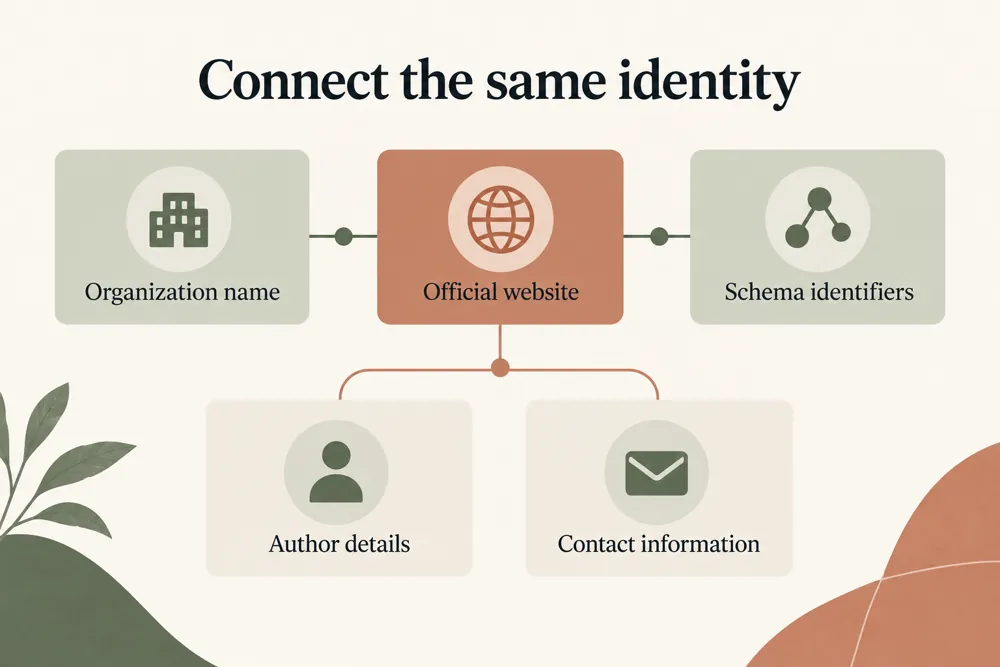
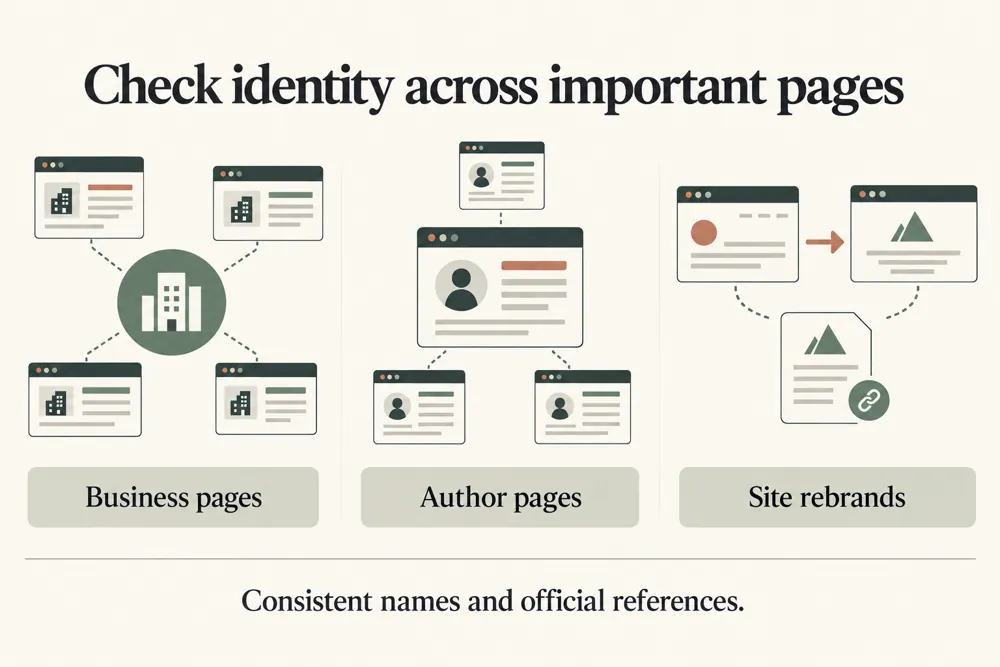
Check how clearly a page defines a person, organization, brand, service, or local business through content and structured data.
Find identity signals that need clarification on an organization, person, local service, or product page.
WebTrendSEO’s Entity SEO Checker reviews how a public page describes its main entity. Enter the page URL, entity name and type, and any official profile URLs you want to compare.
The report checks naming, schema @id and sameAs references, publisher or author details, and contact identity. Use it to spot missing or inconsistent signals before reviewing the page and its structured data.
The checker reports page-level evidence. It does not confirm a Google Knowledge Graph entry, create a knowledge panel, or guarantee rankings or citations.

Public page URL checks

Entity name comparison

Entity type selection

Official profile references

Schema @id review

sameAs link review

Publisher and author signals

Contact identity checks

Page-level review findings
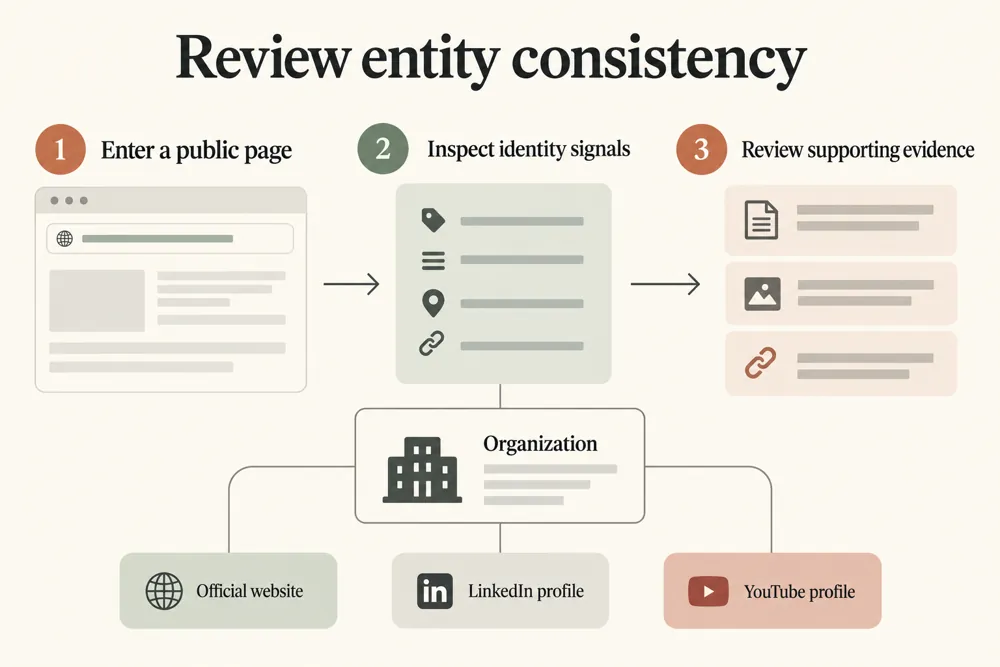
Choose one public page and identify its main entity. Use verified official profiles so the comparison has an accurate reference.


Different names, disconnected profiles, or unclear authorship can make a page’s identity harder to follow. Reviewing those signals together gives you a useful checklist.
Confirm that the visible content, contact details, and structured data describe the same real entity. Use only official profiles that belong to it, and review any unexpected schema identifiers or links.

Find inconsistent entity naming

Review official profile references

Check structured identity signals

Connect author and publisher details

Review contact information in context

Prepare a focused copy and schema review

Use the report to plan a focused identity review. Check the evidence on the page and confirm every profile reference before changing copy or structured data.
Use the checker for an organization, person, local service, or product page. It is useful when preparing a new page, reviewing schema, or checking identity consistency after changes.


The checker requests the public page URL to review its content and metadata. Submit only public URLs without private access tokens.
Reports are not kept as permanent user records. The tool reports signals and does not change your website or official profiles.
Understand what the checker reviews and how to use its findings when checking copy and structured data.
It checks a public page for entity naming, schema @id and sameAs references, publisher or author details, and contact identity. You can supply official profile URLs for comparison.
The checker supports Organization, Person, Local Service, and Product contexts. Choose the type that best describes the main entity on the page.
Use verified official profiles that belong to the entity. Avoid unrelated profiles or links added only to make the report appear stronger.
No. The checker reviews page-level identity signals. It does not verify a Knowledge Graph entry, create a knowledge panel, or guarantee rankings.
No. It reports findings for review. Confirm the visible page content and intended entity before making any schema or copy changes.
It requests the public URL to review its content and metadata. Reports are not kept as permanent user records. Do not submit private links or access tokens.
Enter a public page and its main entity details. Review naming, profile links, schema references, and contact signals before making changes.
Feel free get in touch with us via phone or send us a message
phone: +92 3400 644414
email: contact@webtrendseo.com
We use cookies to operate our website, understand how visitors use it and improve our services. You can accept all cookies, reject non-essential cookies or manage your preferences.