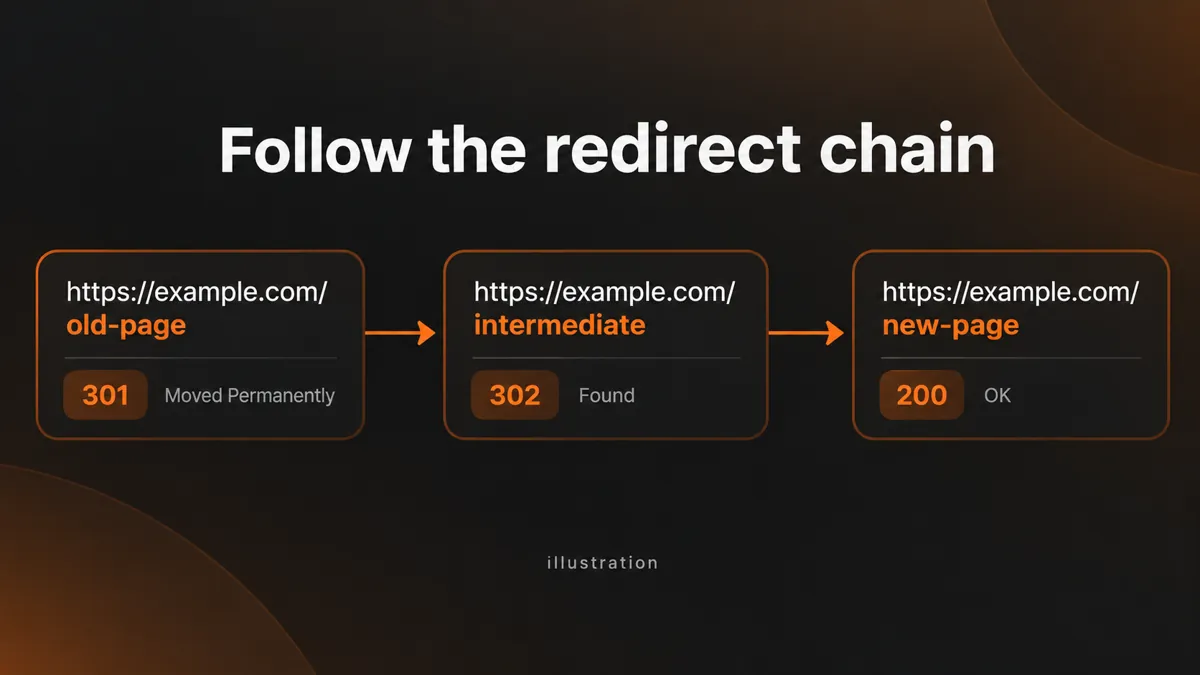
Follow redirect chains safely and report every hop, loop, final URL, and final HTTP status for up to 25 URLs.
A redirected URL may pass through several destinations before it reaches a page. WebTrendSEO’s Redirect Checker follows that route and reports the initial status, redirect hops, final URL, and final HTTP response.
Paste up to 25 public URLs to spot unexpected chains or loops. Use the report to review your redirect rules, then check whether the final page is the right destination for the original link.

Initial HTTP status

Every redirect hop

Final destination

Final response code

Redirect loops

Unsafe target notes

Up to 25 URLs

Per-URL results

Public URL checks
Enter a short list of public URLs, one per line. The checker follows their redirects and builds a report for each address.


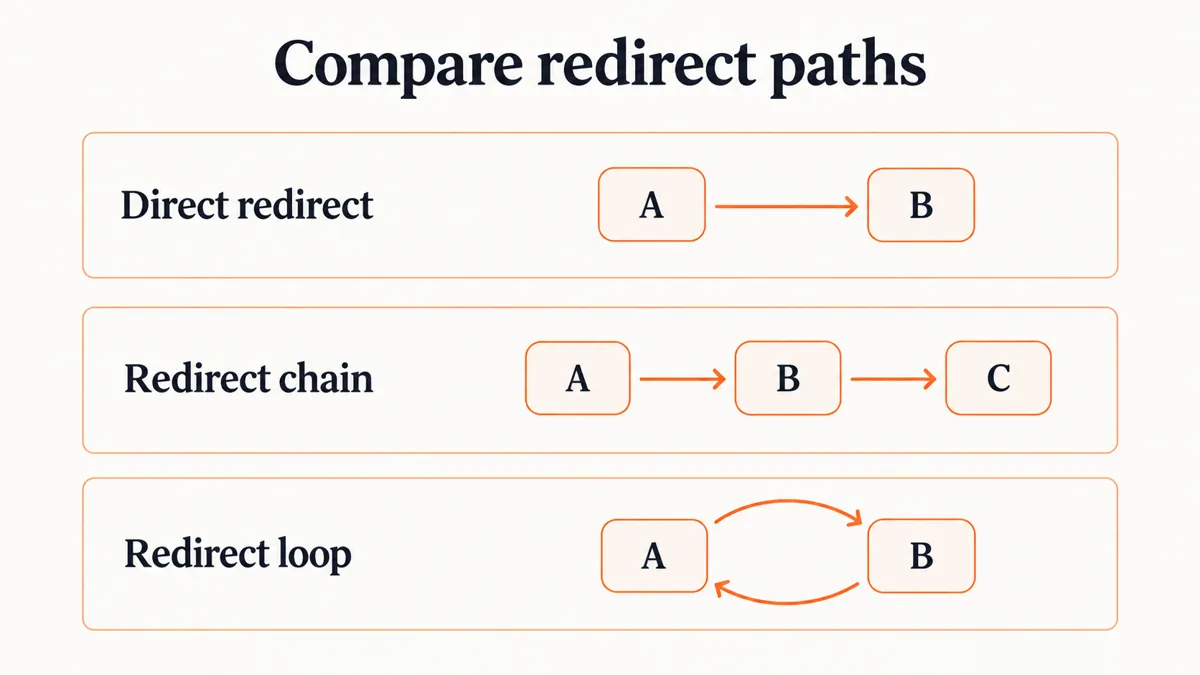
A redirect can send visitors to the correct page while still taking an unnecessary route. Checking each hop helps you see intermediary URLs, conflicting rules, and loops that a normal browser visit can hide.
The report describes the requests it observes. It cannot decide whether a destination matches the visitor’s intent, and it does not edit redirect rules. Review important results alongside your site configuration.

Spot unnecessary chains

Find looping redirects

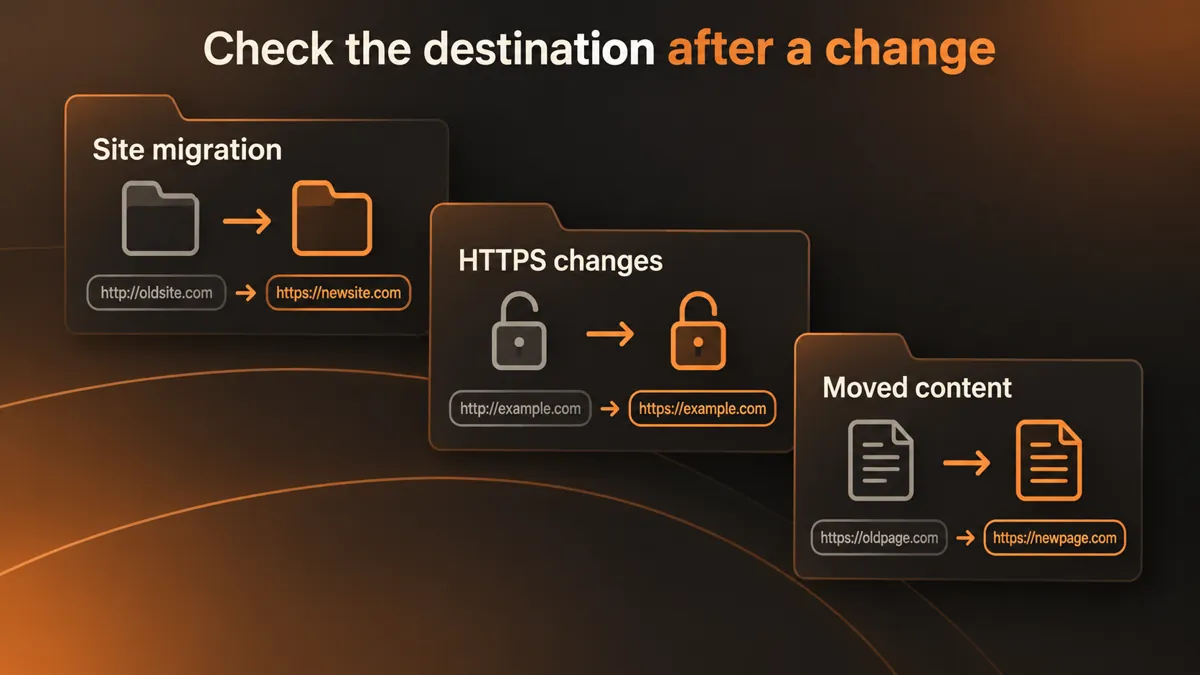
Review migration destinations

Check old campaign links

Understand final responses

Plan targeted redirect fixes



Public URLs are fetched server-side with strict crawl and rate limits. The tool states that reports are not saved to the WordPress database.
Use public page addresses and keep private links or access tokens out of your inputs. Unsafe redirect targets may be blocked rather than followed.
It follows redirects for up to 25 public URLs and reports the initial response, each hop, loops, final destination, and final HTTP status.
Paste the original URL, not just its destination, and click Check Redirects. Review each reported hop to see how the request reaches the final page.
A loop occurs when redirect rules send a request back to a URL it already visited. The checker reports loops so you can investigate the conflicting rules.
No. It reports the route it observes. You must review and change redirect rules in your website or server configuration, then test them again.
This checker accepts a list of up to 25 URLs. It is intended for focused checks and does not discover all pages across a website.
The public tool is free to use. It fetches the public URLs you enter server-side with conservative limits and states that reports are not saved to the WordPress database.
Feel free get in touch with us via phone or send us a message
phone: +92 3400 644414
email: contact@webtrendseo.com
We use cookies to operate our website, understand how visitors use it and improve our services. You can accept all cookies, reject non-essential cookies or manage your preferences.