AI & GEO

LLMs.txt Generator

Create a curated Markdown guide to your most important pages, with optional sitemap import and an llms-full.txt outline.

Imports up to 200 public URLs.
Public URLs are fetched through a security-checked, rate-limited WordPress request. Reports are not stored as permanent user records.

Create a structured text guide to your most useful public pages.

LLMs.txt Generator

Create a clear resource guide for your website

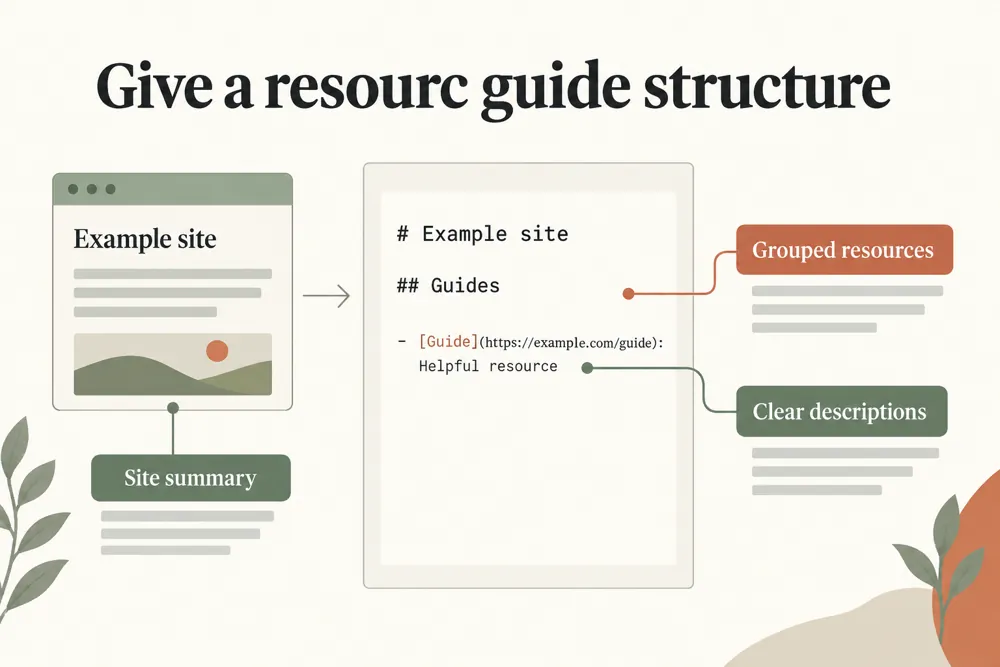
WebTrendSEO’s LLMs.txt Generator helps you prepare a Markdown guide to your website’s key resources. Add your site name, website URL, summary, and the links you want readers to find.

Enter resources as a label, URL, and description. Group core and optional links, or import up to 200 public URLs from a sitemap to help build your list. You can also create an llms-full outline.

Review every link and description before placing the file on your website. LLMs.txt is a proposed convention; creating a file does not guarantee that an AI service will read it, cite you, or improve your search rankings.

Site name and summary

Core resource groups

Optional resource links

Labels and descriptions

Structured Markdown output

Duplicate URL handling

Optional sitemap import

Up to 200 imported URLs

Optional llms-full outline
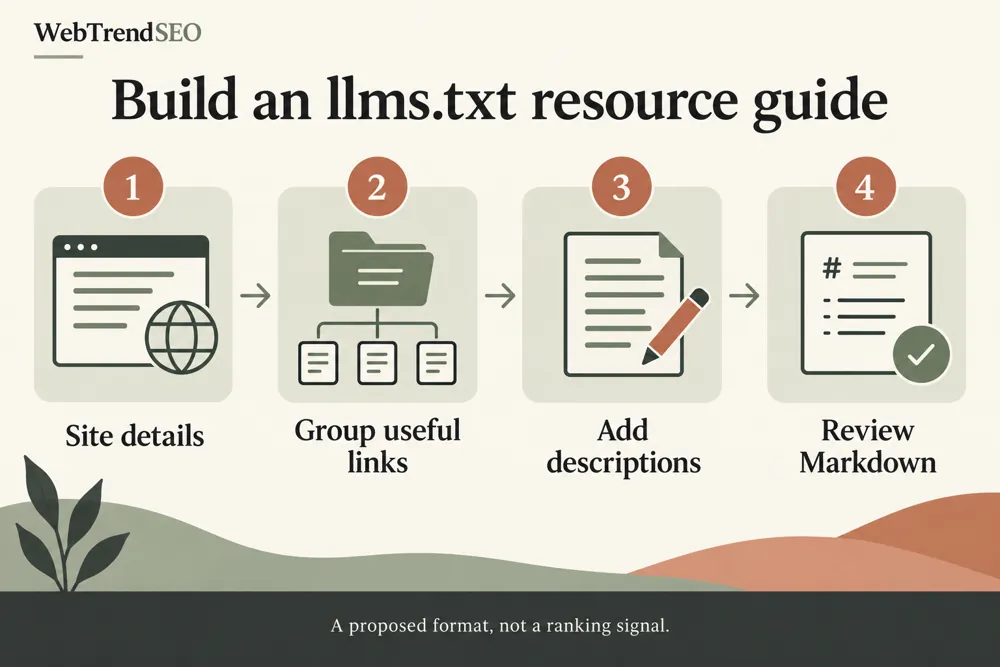
llms.txt creation and validation workflow and practical review steps
How It Works

How to generate your llms.txt file

Choose the pages that best explain your site. A short, accurate resource guide is more useful than an unreviewed list of every URL.

Enter your site name, URL, and summary
Add core resources with labels, URLs, and descriptions
Add optional resources where useful
Import a public sitemap if you need a starting list
Generate and review the Markdown output
Place the reviewed file on your site and test access
WHY USE THIS TOOL

Organize useful resources in readable Markdown

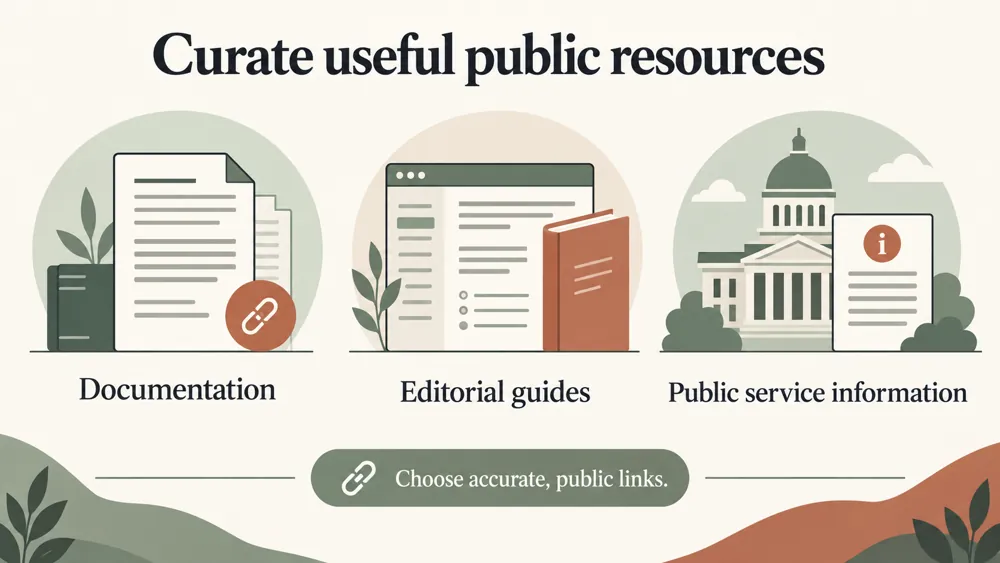
A website can have many pages, but only some are the best starting points. A curated resource guide helps describe those pages and how they fit together.

Choose accurate labels, concise descriptions, and stable public URLs. Keep the file updated when resources move or change. Treat it as supporting documentation rather than a substitute for useful pages and sound technical SEO.

llms.txt creation and validation signals and findings illustrated

Present key resources clearly

Keep descriptions beside useful links

Separate core and optional material

Start from a sitemap when helpful

Review duplicate URL entries

Maintain a guide as your site changes

NEED HELP ORGANIZING YOUR RESOURCES?

Build a helpful guide to your site’s key pages

Start with the resources a visitor or agent would need to understand your site. Review the generated guide and keep its links accurate as the website changes.

llms.txt creation and validation use cases for website owners and SEO teams
Use Cases

Who Can Use This Tool?

Use the generator for documentation sites, service websites, product resources, and other sites that benefit from a curated guide to their key pages.

Documentation teams curating key guides
Site owners describing core resources
Developers preparing a text resource guide
Service businesses organizing useful pages
Product teams linking support material
Publishers selecting reference content
Agencies maintaining client resource guides
Safe & Secure

Your text and optional URL requests

Text inputs are processed in your browser. Optional sitemap import makes server requests to public URLs; submit only public links without sensitive access tokens.

Generated reports are not kept as permanent user records. Review the output before adding it to your website.

Free Tools

Other Free Tools From WebTrendSEO

Robots.txt & AI Crawler Checker

Review robots.txt access rules for search and AI crawlers.

AI Crawler Analytics Checker

Analyze access logs for activity from identified AI crawlers.

AI Citation Readiness Checker

Review content signals that support clear, sourceable answers.

AI / GEO Site Audit

Review public pages for AI and GEO readiness signals.

XML Sitemap Generator

Generate an XML sitemap from a supplied URL list.

AI Citation Source Analyzer

Analyze cited sources and domains in supplied AI answers.

Practical SEO tools from WebTrendSEO

LLMS.TXT GENERATOR FAQ

LLMs.txt questions answered

Learn what the generator creates, which resources to include, and how to review the file before using it.

It creates a Markdown resource guide from your site name, summary, and selected links. You can organize core and optional resources and generate an optional llms-full outline.

Use the format Label | URL | description. Choose a clear label, a stable public URL, and a concise description of what the page provides.

Yes. The optional sitemap import can bring in up to 200 public URLs. Review the imported list and keep the resources that are useful for your guide.

No. It is a proposed resource-guide convention. Creating the file does not guarantee that an AI service will read it or cite your website.

No. Review the generated output and place the file on your website yourself. Check that the public URL is accessible and that its resource links work.

Text inputs are processed in your browser. Optional sitemap import makes server requests to public URLs. Generated reports are not kept as permanent user records.

CREATE YOUR RESOURCE GUIDE

Generate and review your website resource guide

Add your site details and a curated set of useful links. Generate the Markdown, check each entry, and keep the resource guide up to date.