Measure brand mentions, citation links, competitor share of voice, local relevance, and prompt coverage from pasted AI answers or a CSV export.
Measure the supplied answer sample without calling live AI services.
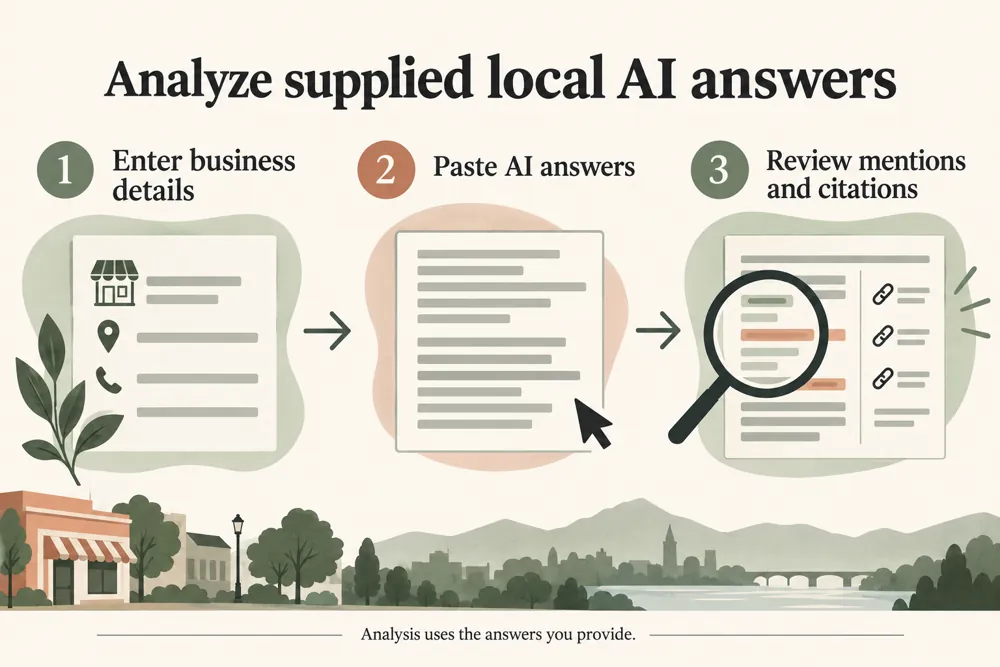
WebTrendSEO’s Local AI Visibility Checker analyzes the AI answer records you supply. Use local or general brand mode, add your business details, and upload a CSV or TXT file or paste answer records.
Provide the engine, prompt, response, and optional date. The report reviews brand mentions, local and service context, official-domain citations, competitor share, and coverage across the submitted prompts and engines.
The results describe your sample only. The tool does not send prompts to live AI services, and a mention rate is not a measure of all AI answers or future visibility.

Local or general brand mode

Business name and aliases

City and service context

CSV and TXT answer records

Engine and prompt coverage

Brand mention rate

Official-domain citations

Competitor share in the sample

Context-required filtering
Collect a consistent set of relevant prompts and answers. Keep the original response text and use comparable samples when measuring change.


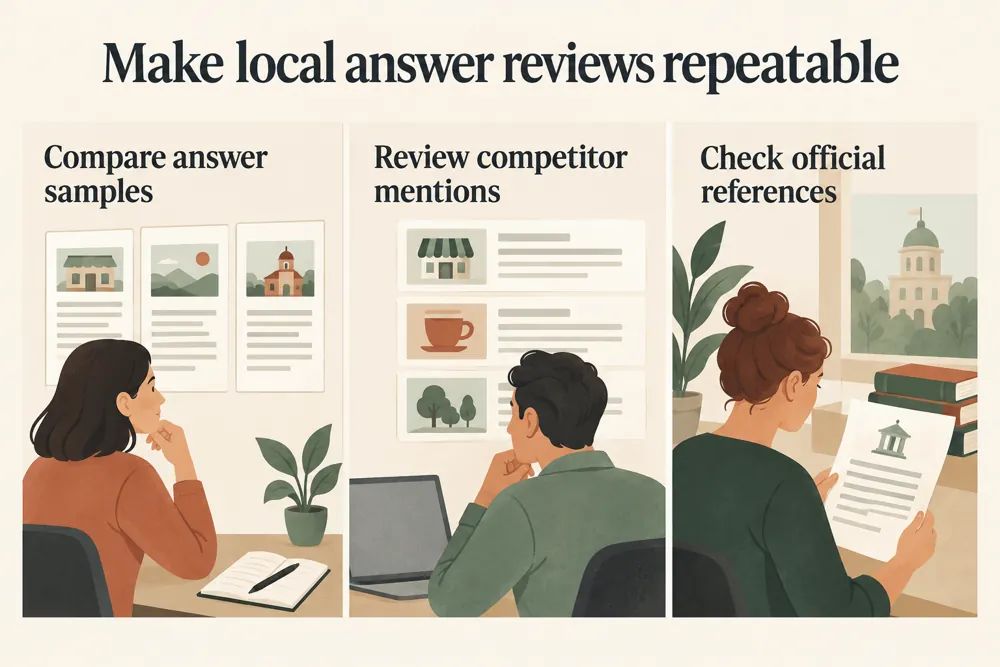
Looking at one answer can hide important differences between prompts and engines. A structured sample makes it easier to compare brand mentions and useful local context.
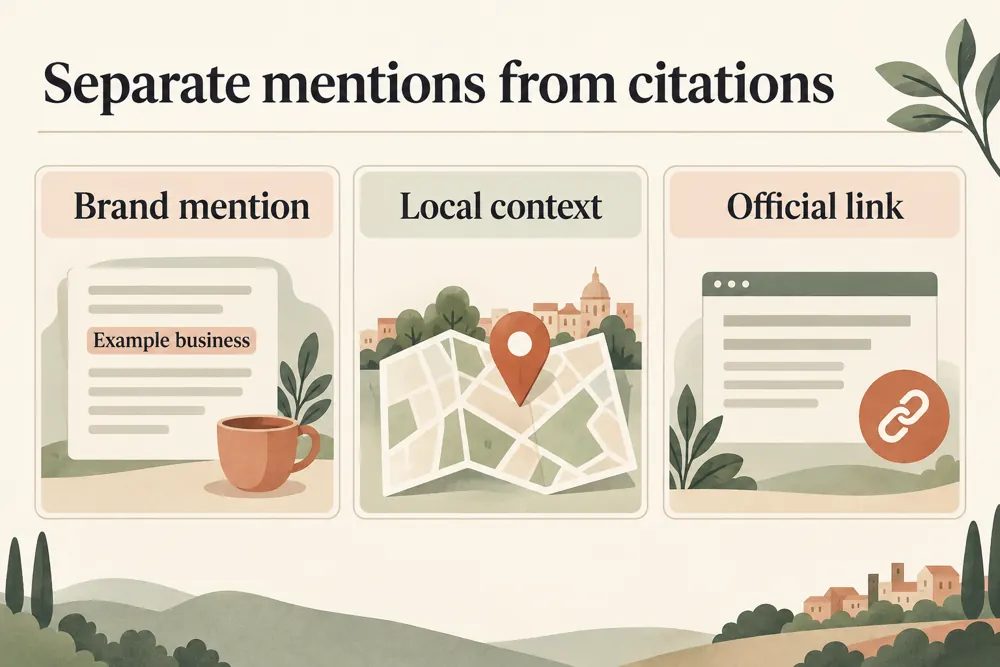
Review the responses behind each result. Check whether a mention is relevant, whether a citation points to your official domain, and whether competitor comparisons use a fair sample.

Compare mentions across supplied records

Review local and service relevance

Check official-domain citations

Compare competitor share in context

See gaps in prompt and engine coverage

Build repeatable sample comparisons

Use the sample report to plan the next review. Keep prompts and collection dates consistent so any later comparison has a meaningful basis.
Use the checker when you already have AI answers to analyze. It suits local businesses, agencies, and brand teams collecting repeatable samples.


Supplied answer records and business terms are processed in your browser and are not saved to the WordPress database.
The tool does not call live AI services. Remove private or sensitive details from records before analyzing or sharing a sample.
Learn how to format answer records and interpret visibility metrics within the limits of your sample.
No. It analyzes answer records you supply. Collect the answers separately, then upload or paste them into the checker.
For CSV or TXT data, use Engine, Prompt, Response, and optional Date fields. Pasted records can use Engine | Prompt | Response.
It reviews brand mentions, local and service context, official-domain citations, competitor share, and coverage across the submitted prompts and engines.
No. Every metric describes the submitted sample. Use consistent prompts, engines, and collection periods before comparing results over time.
Add the business name and city. Aliases, services, competitors, and the official domain provide useful context for the analysis.
No. Inputs are processed in your browser and are not saved to the WordPress database. Remove private or sensitive details before using or sharing records.
Add your business details and a consistent set of answer records. Review brand mentions, local context, and official citations before planning your next comparison.
Feel free get in touch with us via phone or send us a message
phone: +92 3400 644414
email: contact@webtrendseo.com
We use cookies to operate our website, understand how visitors use it and improve our services. You can accept all cookies, reject non-essential cookies or manage your preferences.