Reviews & Local AI

Review AI Readability Checker

Evaluate whether reviews contain clear services, locations, staff, outcomes, context, and natural detail that search and AI systems can understand.

Inputs are processed in your browser and are not saved in the WordPress database.

Analyze the context in your review sample without fetching live reviews or calling an external AI model.

Review AI Readability Checker

See how clearly your reviews describe real experiences

WebTrendSEO’s Review AI Readability Checker analyzes the review text you provide. Paste reviews or upload a CSV or TXT file, then add optional brand, location, service, or product terms.

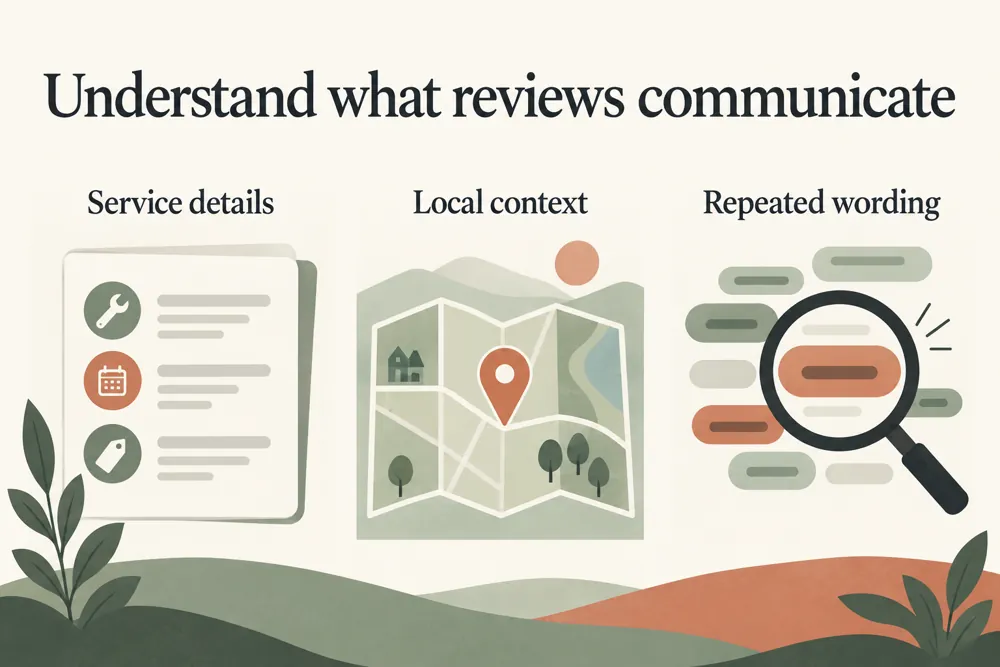
The report checks whether reviews describe useful context: what service was provided, where it happened, who helped, and what the outcome was. It also flags vague or duplicated wording and produces a rule-based quality score.

Use the findings to understand your sample, not to rewrite customer experiences or manufacture reviews. The checker does not fetch external reviews or measure actual visibility in AI answers.

Pasted review text

CSV and TXT uploads

Optional brand terms

Service and product context

Location references

Staff and outcome details

Vague wording flags

Duplicate text checks

Rule-based quality score
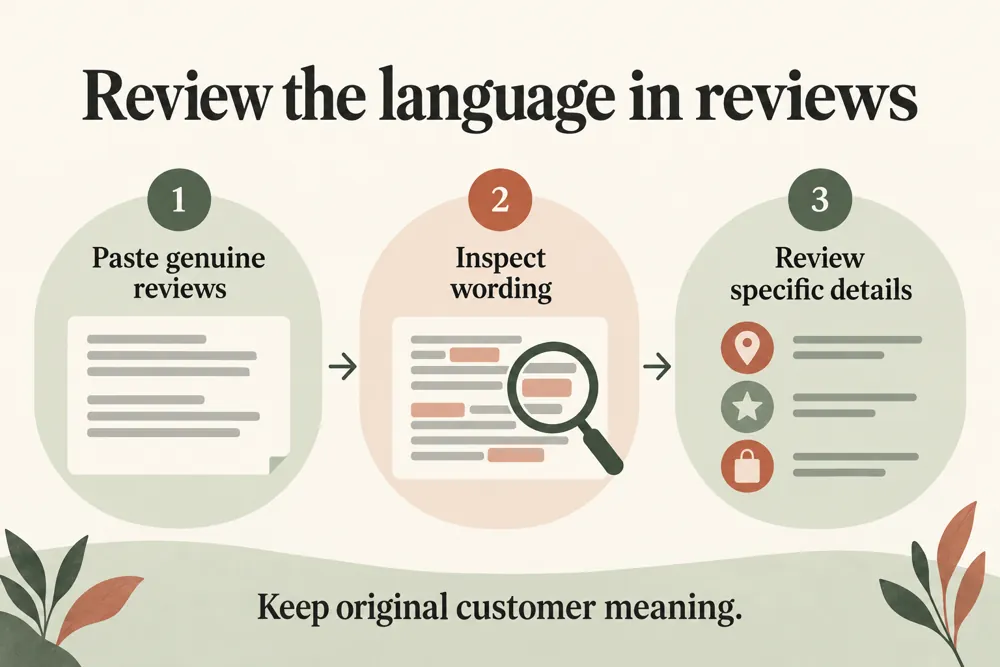
Review readability checking workflow and practical review steps
How It Works

How to review your supplied feedback

Choose a representative sample of genuine reviews. Add the terms relevant to your business, then review the detailed findings alongside the original feedback.

Paste reviews or upload a CSV or TXT file
Use a Review or Text column for CSV data
Separate pasted reviews with blank lines or one per line
Add optional brand, location, and service terms
Run the checker and review context flags
Compare the findings with the original feedback
WHY USE THIS TOOL

Find useful context and repeated vague wording

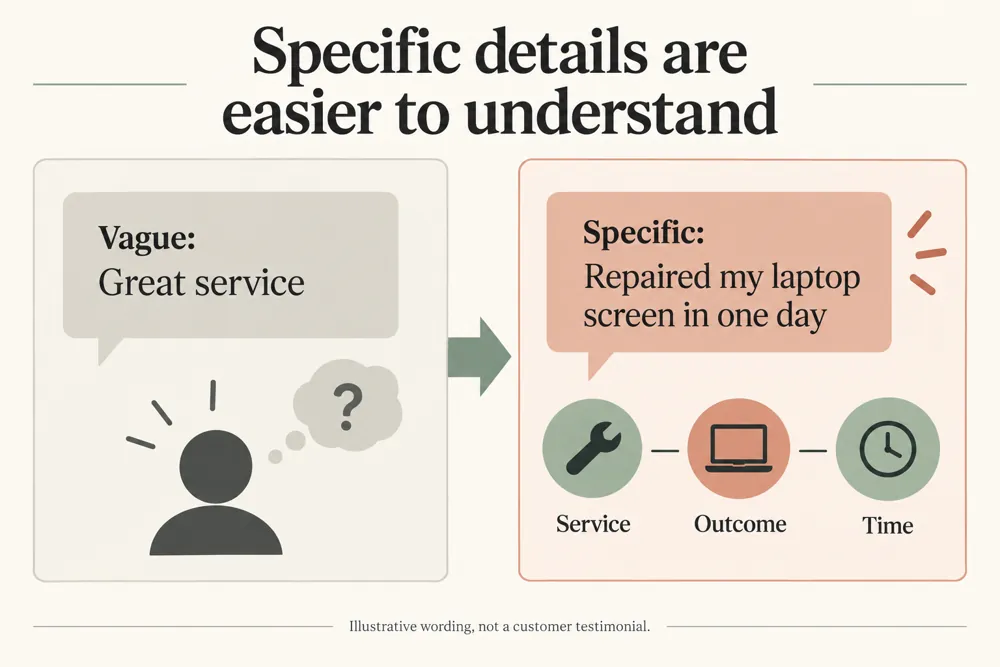
A short review such as “great service” gives little context. More specific feedback can describe the service, location, staff interaction, or result in the customer’s own words.

The report helps you see which details are present in your sample and where wording is vague or repeated. Use it to understand feedback patterns and ask fair, open-ended questions when collecting future reviews.

Review readability checking signals and findings illustrated

Understand how specific your sample is

Find service and product context

Review location and staff references

Spot vague or repeated wording

Compare feedback using consistent rules

Keep original customer experiences intact

NEED HELP UNDERSTANDING YOUR REVIEWS?

Make your review analysis more specific

Review the sample findings alongside the original comments. Focus on understanding genuine customer experiences and keeping any displayed review text accurate.

Review readability checking use cases for website owners and SEO teams
Use Cases

Who Can Use This Tool?

Use the checker when you have a review sample to assess. It suits local businesses, service teams, agencies, and product teams looking for clearer feedback context.

Local businesses reviewing customer feedback
Agencies assessing supplied review samples
Service teams checking experience details
Product teams reviewing feedback context
Site owners selecting genuine testimonials
Marketing teams checking repeated wording
Customer teams planning open-ended feedback questions
Safe & Secure

Your review text and privacy

Review text and optional business terms are processed in your browser and are not saved to the WordPress database.

The tool does not fetch reviews from external platforms or call a live AI model. Remove private personal details from your sample before using or sharing it.

Free Tools

Other Free Tools From WebTrendSEO

Google Business Profile Audit Checker

Review Google Business Profile details with an audit checklist.

Local AI Visibility Checker

Review local brand visibility in supplied AI answers.

Entity SEO Checker

Review brand details, entity signals, and structured data consistency.

Practical SEO tools from WebTrendSEO

REVIEW READABILITY FAQ

Review readability questions answered

Learn which review inputs work, what the score means, and what the checker does with your text.

It checks supplied review text for service, product, location, staff, and outcome details. It also flags vague or duplicated wording and provides a rule-based quality score.

No. Paste the review text or upload a CSV or TXT file. The checker does not retrieve reviews from external platforms.

For CSV files, use a Review or Text column. Paste reviews separated by blank lines or one review per line. Optional business terms help identify relevant context.

No. The score is a rule-based assessment of the supplied text. It does not query live AI services or confirm whether your business appears in their answers.

No. Preserve the customer’s actual experience and wording. Use the report to understand your sample and to plan fair, open-ended feedback questions.

No. Review inputs are processed in your browser and are not saved to the WordPress database. Remove private personal details before using or sharing a sample.

REVIEW YOUR FEEDBACK SAMPLE

Check a sample of your review text

Paste a genuine review sample, add useful business terms, and check the context flags. Use the findings to understand feedback while preserving the original customer wording.