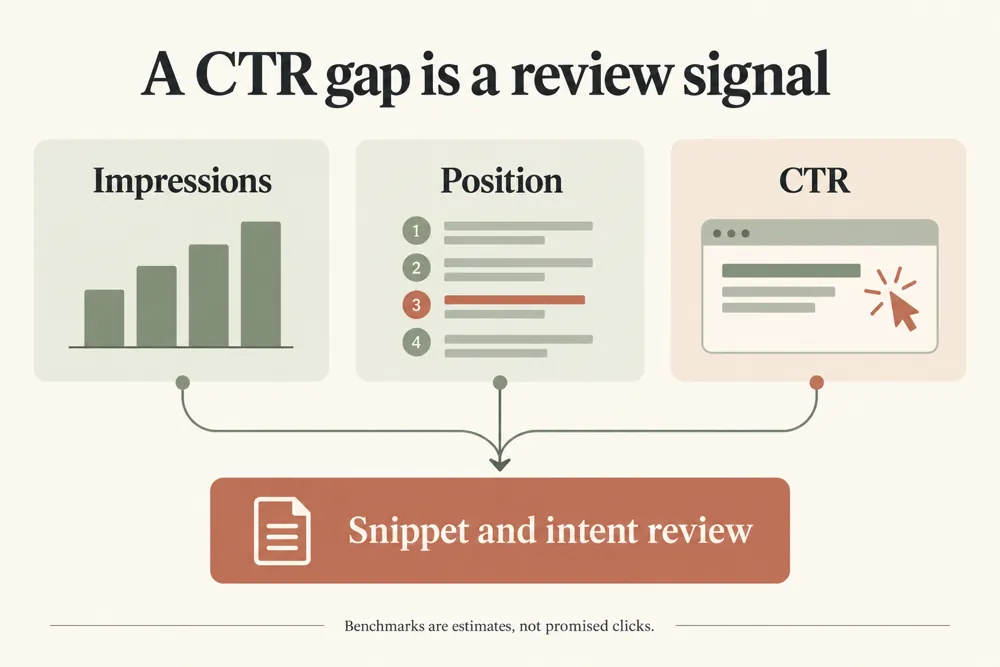
Find queries and pages earning impressions but fewer clicks than their ranking should generate. Prioritize the biggest recoverable-click opportunities instead of guessing which title to rewrite.
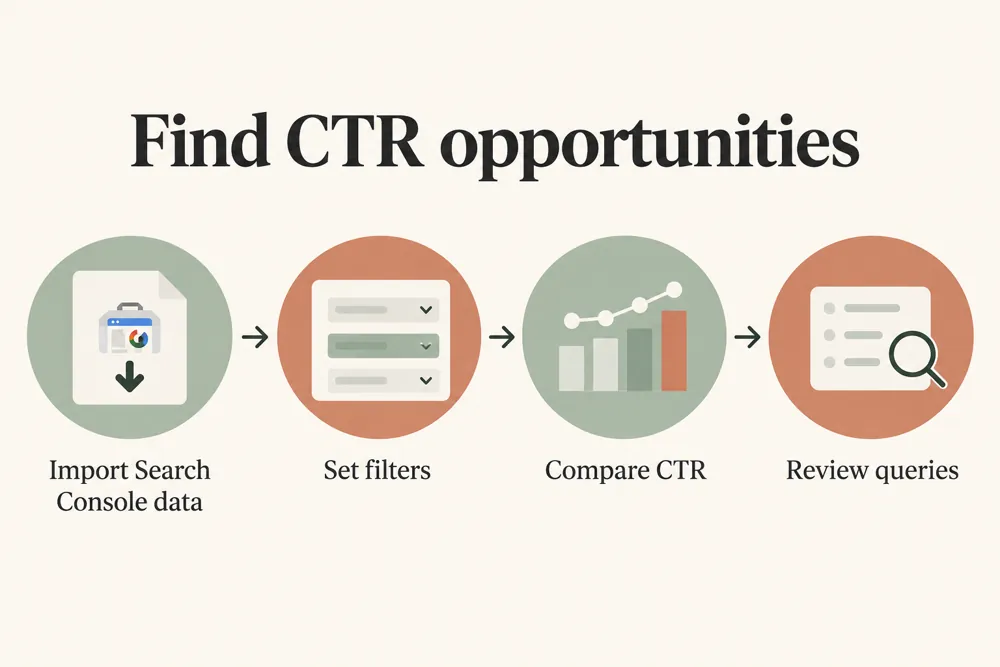
Direct connection gives the strongest query-to-page analysis. Standard GSC ZIP and CSV exports are also supported.
Fetch query + page rows directly with temporary browser authorization. No Search Console token or report is stored in WordPress.
Load sample query-to-page data to test the scoring, benchmarks, filters, exports, and recommendations before connecting a live property.
Weighted by impressions. Site-specific benchmarks use a robust upper-quartile curve and fall back to reference values when data is sparse.
Opportunity mix based on ranking position, click gap, and observed CTR.
Use query and page data to choose snippet improvements worth testing.
WebTrendSEO’s GSC CTR Opportunity Finder highlights query and page combinations that earn fewer clicks than a selected benchmark suggests.
Connect Search Console temporarily or upload a CSV or ZIP export. Choose a site-based upper-quartile benchmark, a reference curve, or a fixed target CTR. Set impression, position, click-gap, and deficit thresholds to narrow the review.
Separate branded and non-branded queries where useful. Estimated uplift is a planning measure, not a forecast or guarantee. Review the actual search results and search intent before changing a title or description.

Query and page performance

Search Console or export input

Site-based CTR benchmarks

Reference curve comparison

Fixed target CTR option

Impression and position filters

Click-gap thresholds

Brand query separation

Optional public snippet audit
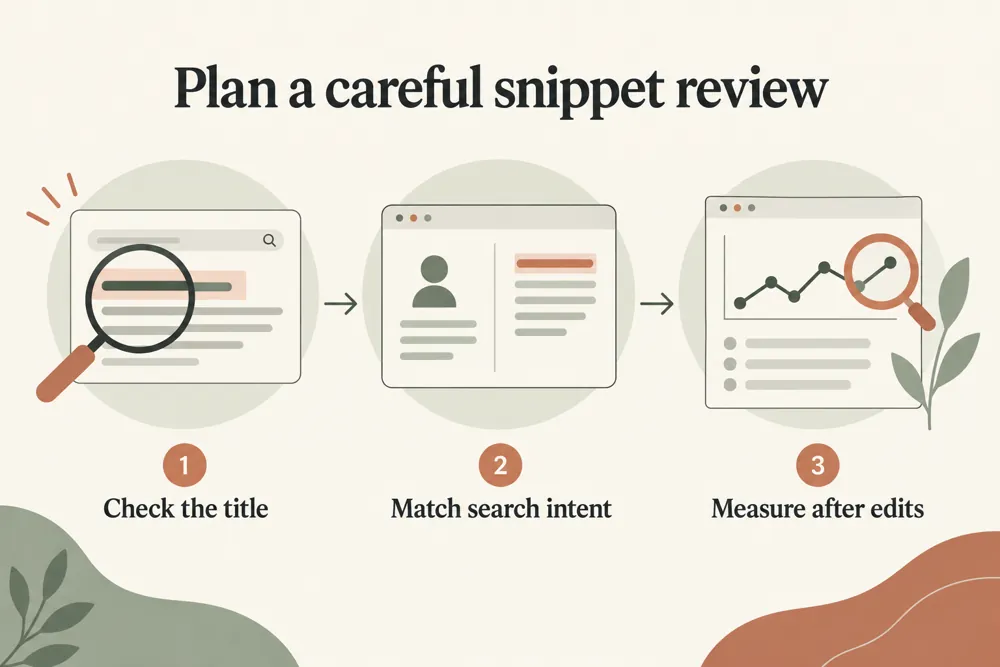
Start with a suitable benchmark and enough impressions to support the comparison. Review query intent and page relevance before testing a new snippet.


A page can receive impressions without earning many clicks. Comparing its query-level CTR with a suitable benchmark helps you decide where a snippet review may be worthwhile.
Low CTR is not always a title problem. Consider search intent, result layout, brand familiarity, and relevance. Write a title and description that accurately represent the page, then measure the change.

Prioritize queries with meaningful impressions

Compare actual CTR with a chosen benchmark

Review page and query pairs together

Separate branded search behavior

Focus on measurable snippet tests

Keep estimated uplift in context

Choose a small set of strong opportunities and plan a clear snippet test. Record the original text and comparison period so you can assess the outcome.
Use this tool for pages and queries with enough impressions to support a review. It helps editors, SEO teams, and site owners prioritize possible title and description improvements.


Search Console tokens and performance rows remain in your browser and are not saved to the WordPress database.
An optional snippet audit sends selected public URLs to the server to fetch their page metadata. Submit only public URLs without sensitive access tokens.
Understand the benchmarks, estimated click gaps, and checks to make before changing a search snippet.
It compares actual query and page CTR with a selected benchmark. Impression, position, and click-gap filters help you prioritize snippets for review.
Choose a site-based upper-quartile benchmark, a reference curve, or a fixed target CTR. Select a method that suits the data and review its assumptions.
No. It is a planning estimate based on the selected benchmark. Search intent, result layout, competition, and relevance can affect actual clicks.
Yes. You can supply brand terms and use branded-query exclusion or a non-branded benchmark. This helps you review different search behavior separately.
Yes. Upload a CSV or ZIP export with query and page performance, or connect Search Console temporarily with read-only browser access.
Selected public URLs are sent to the server to fetch page metadata. Search Console tokens and performance rows remain in your browser and are not saved to WordPress.
Find query and page pairs worth reviewing. Choose accurate snippet improvements, run a focused test, and measure performance against a comparable period.
Feel free get in touch with us via phone or send us a message
phone: +92 3400 644414
email: contact@webtrendseo.com
We use cookies to operate our website, understand how visitors use it and improve our services. You can accept all cookies, reject non-essential cookies or manage your preferences.