Local SEO

Google Business Profile Audit Checker

Audit profile accuracy, completeness, categories, services, photos, reviews, hours, links, and activity without requiring Google Business Profile API access.

Inputs are processed in your browser and are not saved in the WordPress database.
Review profile accuracy, completeness, categories, hours, services, photos, reviews, links, attributes, NAP consistency, duplicates, and verification risk.

Google Business Profile Audit Checker

Review the Signals That Shape Your Business Profile

WebTrendSEO’s Google Business Profile Audit Checker evaluates the profile information you enter against a practical set of local search and customer-experience checks.

Add the official business name and the name shown on Google, then complete the fields for categories, description, business model, verification, hours, services, products, photos, reviews, posts, questions, conversion links, attributes, NAP consistency, and duplicate-profile checks.

The tool creates a rule-based report from your answers. It does not connect to Google Business Profile, retrieve live profile data, verify rankings, or update the listing automatically.
Business Name Policy Review

Compare official and displayed business names

Primary and Additional Categories

Review primary and additional categories

Description and Business Model

Check description and business model details

Verification and Profile Status

Review the reported verification status

Hours, Services, and Products

Record hours, services, and products

Photos and Owner Activity

Review supplied photo and activity figures

Reviews, Replies, and Recency

Check review replies and recency

Conversion Links and Attributes

Review useful links and attributes

NAP, Duplicate, and Verification Risk

Investigate NAP and duplicate-profile risks
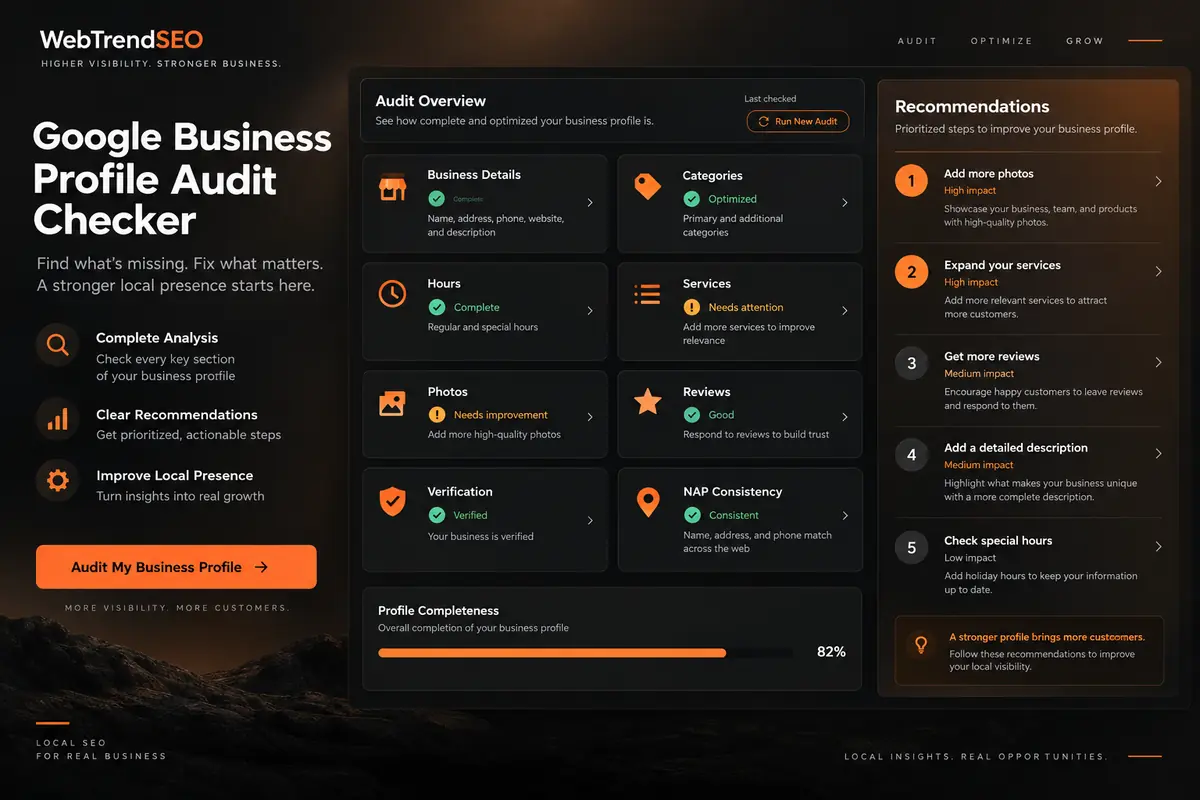
Google Business Profile audit dashboard with categories, hours, photos, reviews, verification, and NAP checks
HOW IT WORKS

How to Use the Google Business Profile Audit Checker

Review the live profile first, then enter the details carefully so the report reflects its current state.
1. Review the Live Profile

Open the current profile and use its visible information as your reference.

2. Enter Business Details

Add the official name, displayed name, categories, description, and business model.

3. Record Profile Completeness

Select the status of hours, services, products, links, attributes, and verification.

4. Add Activity Metrics

Enter photo, review, reply, post, and question figures from the profile.

5. Run the Audit

Generate the rule-based report from the information supplied.

6. Verify and Prioritize

Check every recommendation against the live profile and current policies.

WHY USE OUR GOOGLE BUSINESS PROFILE AUDIT CHECKER?

Turn Profile Details Into a Prioritized Review

A profile review is easier when accuracy, completeness, and activity details are considered together. The report helps organize the information you enter into a practical review list.

Check each finding against the live profile and current Google policies before making changes. Prioritize accurate business details and useful customer information rather than chasing a score.

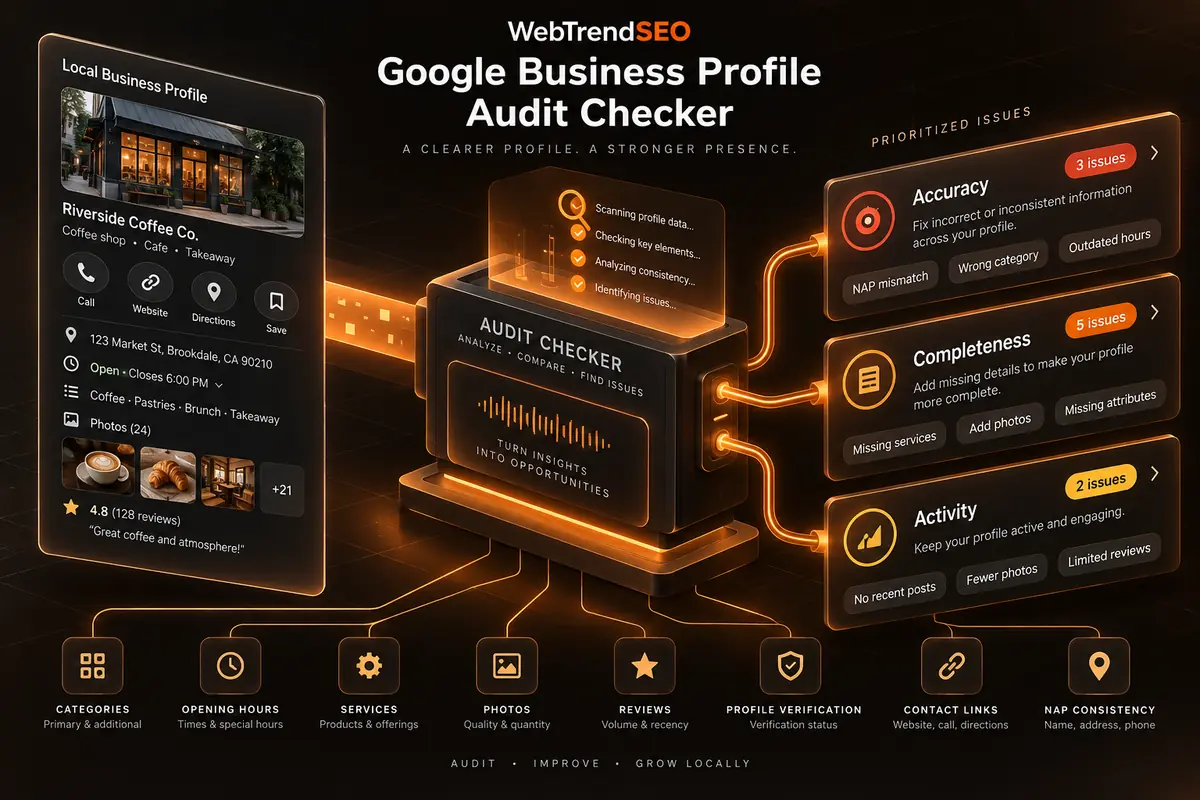
Business profile details flowing into an audit that prioritizes accuracy, completeness, and activity issues
No Google Account Connection

Use a manual review of the live profile

No Paid API Required

Generate a report without a paid data API

Repeatable Profile Reviews

Prioritize accuracy and completeness checks

Accuracy and Completeness Checks

Review supplied customer-activity figures

Activity and Review Signals

Keep recommendations subject to verification

Prioritized Manual Actions

Use browser processing for supplied details

AUDIT BEFORE YOU OPTIMIZE

Build a Clear Google Business Profile Action List

Review the profile’s current information and activity, then use the report to prioritize accurate, policy-compliant improvements.
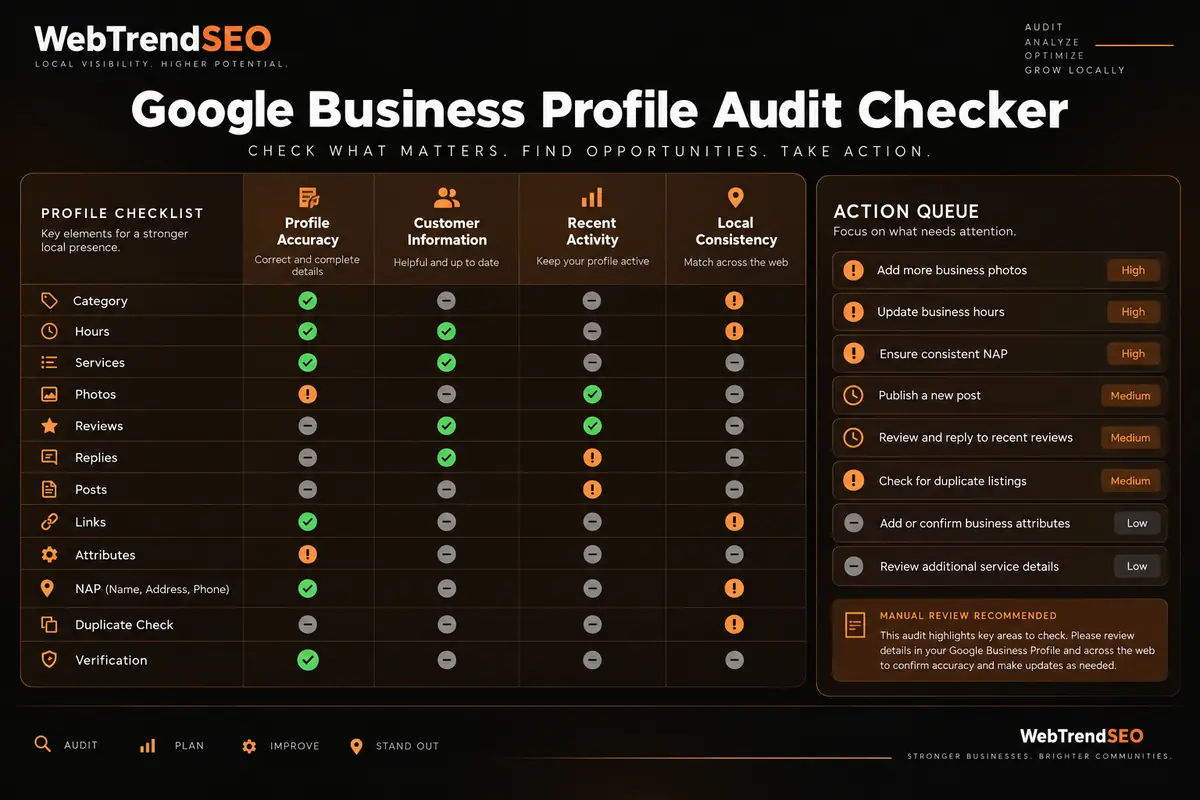
Google Business Profile audit checklist for accuracy, customer information, recent activity, and local consistency
USE CASES

Who Can Use This Tool?

Use the checker for routine profile reviews, client audits, pre-launch checks, location onboarding, or structured reviews after important business changes.
Local Business Owners
Multi-Location Teams
Local SEO Consultants
Marketing Agencies
Franchise Managers
New Location Launches
Routine Profile Maintenance
BROWSER-BASED AUDIT

Review Profile Data Without Connecting Google

The tool’s interface states that your inputs are processed in the browser and are not saved in the WordPress database. It does not require Google Business Profile API access or Google account credentials.

Enter only public business information needed for the audit. Do not add login details, private customer information, or internal notes.
FREE TOOLS

Other Free Tools From WebTrendSEO

NAP Consistency Checker

Compare name, address, and phone details across supplied records.

Local Landing Page Audit Checker

Check a local landing page for useful location signals.

Review AI Readability Checker

Review customer feedback for specific details that support clarity.

Schema Markup Generator

Generate structured data markup for supported page types.

Local AI Visibility Checker

Review local brand visibility in supplied AI answers.

Entity SEO Checker

Review brand details, entity signals, and structured data consistency.

Practical SEO tools from WebTrendSEO

FAQS

Google Business Profile Audit Checker FAQs

Learn what the checker reviews, what information to enter, and how to interpret its rule-based recommendations.
It is a structured review tool that evaluates the Google Business Profile information and activity metrics you enter, then highlights possible accuracy, completeness, engagement, and policy risks.
You review the live profile and enter its business information, completion choices, and activity figures. The checker applies rule-based checks and creates recommendations from those inputs.
No. It does not sign in to Google, connect to the Google Business Profile API, or retrieve live profile data. You manually enter the information visible in the profile.
It reviews displayed and official names, categories, description, business model, verification, phone, website, hours, services, products, photos, reviews, replies, posts, questions, conversion links, attributes, NAP consistency, and duplicate-profile checks.
The report depends on the accuracy of the information you enter. It does not verify rankings, search demand, profile ownership, policy compliance, or live Google data, and its scores should be treated as indicators rather than guarantees.
No. It does not edit categories, hours, services, photos, reviews, attributes, or any other profile field. Review the recommendations and make approved changes directly in Google Business Profile.
LET’S TALK

Turn Your Profile Audit Into a Local SEO Plan

A structured audit shows what deserves attention. WebTrendSEO can help validate the findings, improve profile information, strengthen local pages and citations, and build an ongoing local search strategy.