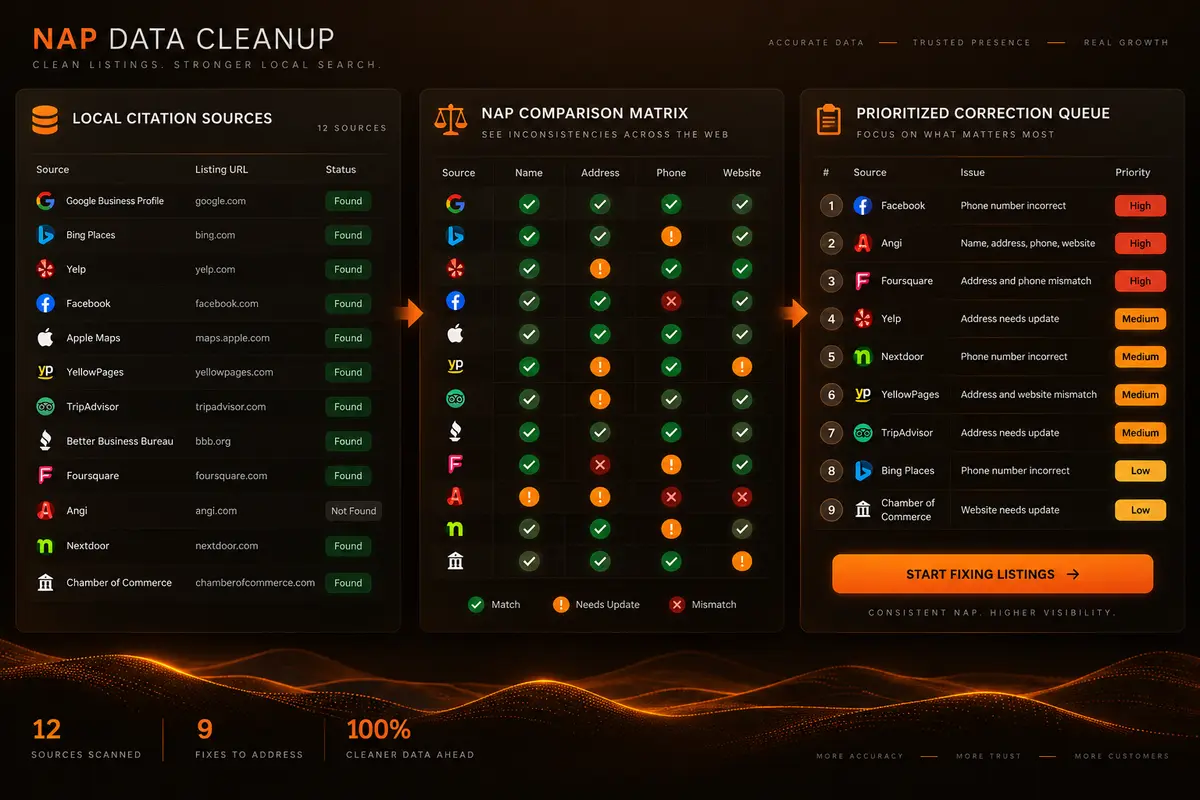
Compare listing names with a verified reference

Normalize common address-format differences

Compare phone numbers after formatting cleanup
Review website URL variants consistently
Load your supplied citation files
Paste citation rows for comparison
Review each listing’s differences
Prioritize confirmed corrections
Use supplied data without a paid listing database
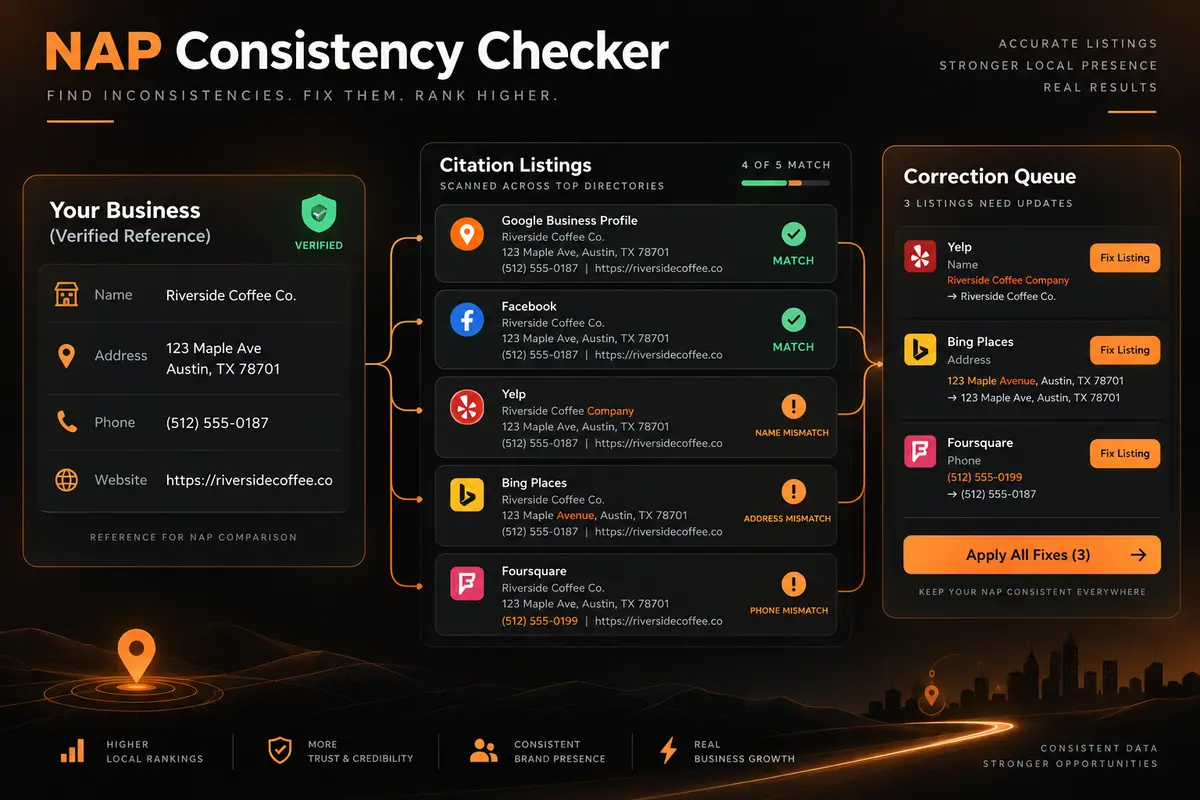

Use the official business name customers should see.

Enter the verified phone number and complete business address.
Use the preferred canonical website URL.
Upload a CSV or TXT file, or paste one listing per row.
Choose normalization options and check NAP consistency.

Verify flagged differences at each original listing before updating it.


Reduce punctuation and spacing false alarms
Review listings against one reference record
Focus on differences that need verification
Use a consistent comparison process
Update source listings only after checking
Work from your own citation data