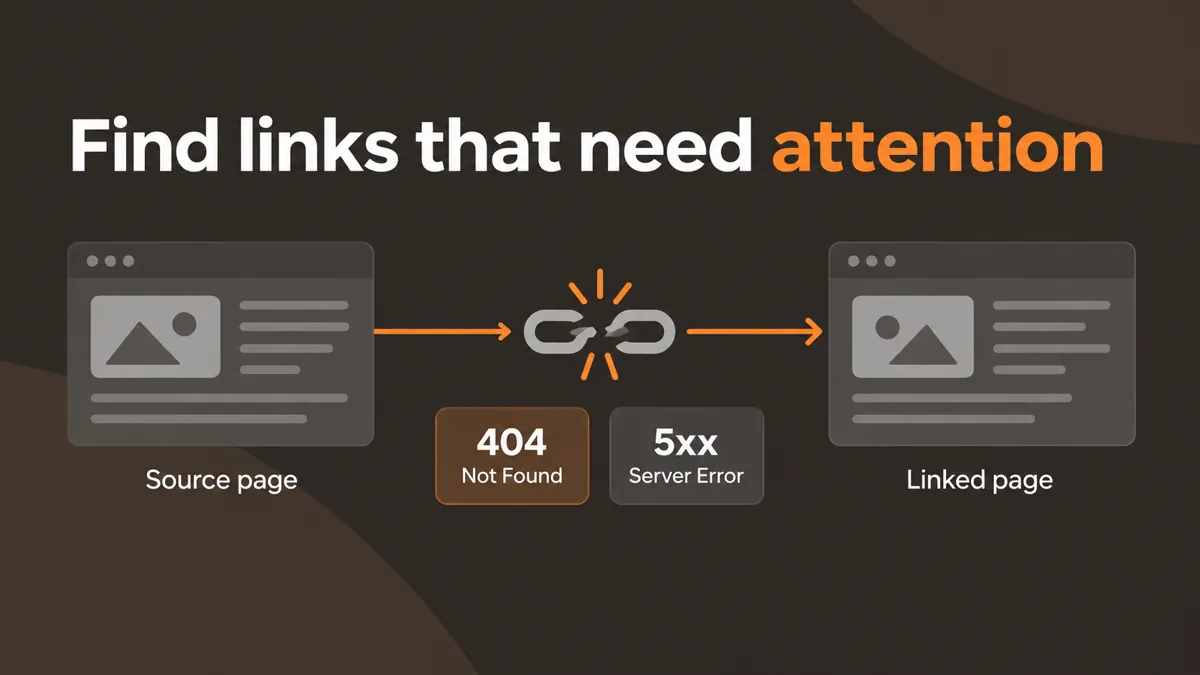
Crawl internal pages, check unique link destinations, and report broken URLs, redirecting links, sources, and anchor text.
See broken destinations alongside their source pages and anchor text.
Fixing a broken destination starts with knowing where it is linked. WebTrendSEO’s Broken Link Checker crawls a limited set of internal pages, checks unique link destinations, and reports the source page and anchor text for links that need review.
Choose a crawl of 5, 10, or 15 pages. You can include external links when needed, though those checks may be slower or blocked by the destination site. The result is a focused repair list, not a complete inventory of every URL.

Limited internal crawl

Unique destination checks

4xx response errors

5xx server errors

Redirecting links

Source page URLs

Link anchor text

Optional external checks

5–15 page crawl limits
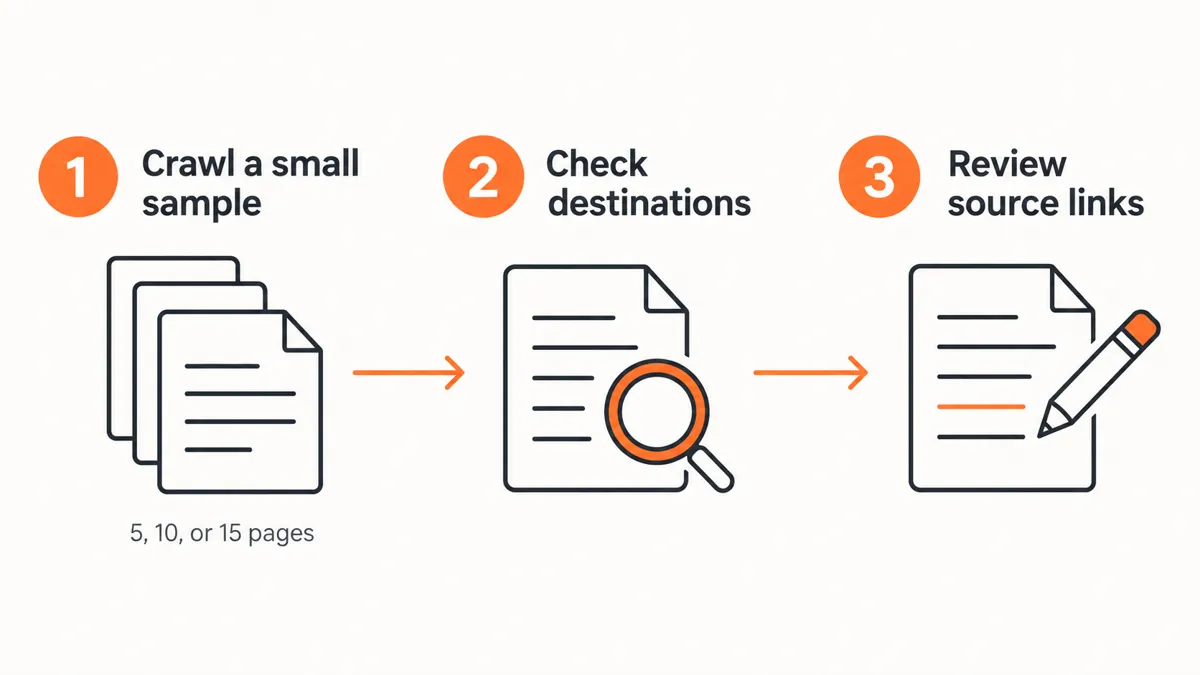
Enter your website URL and choose a small crawl limit. Include external links only when you need to review off-site destinations.


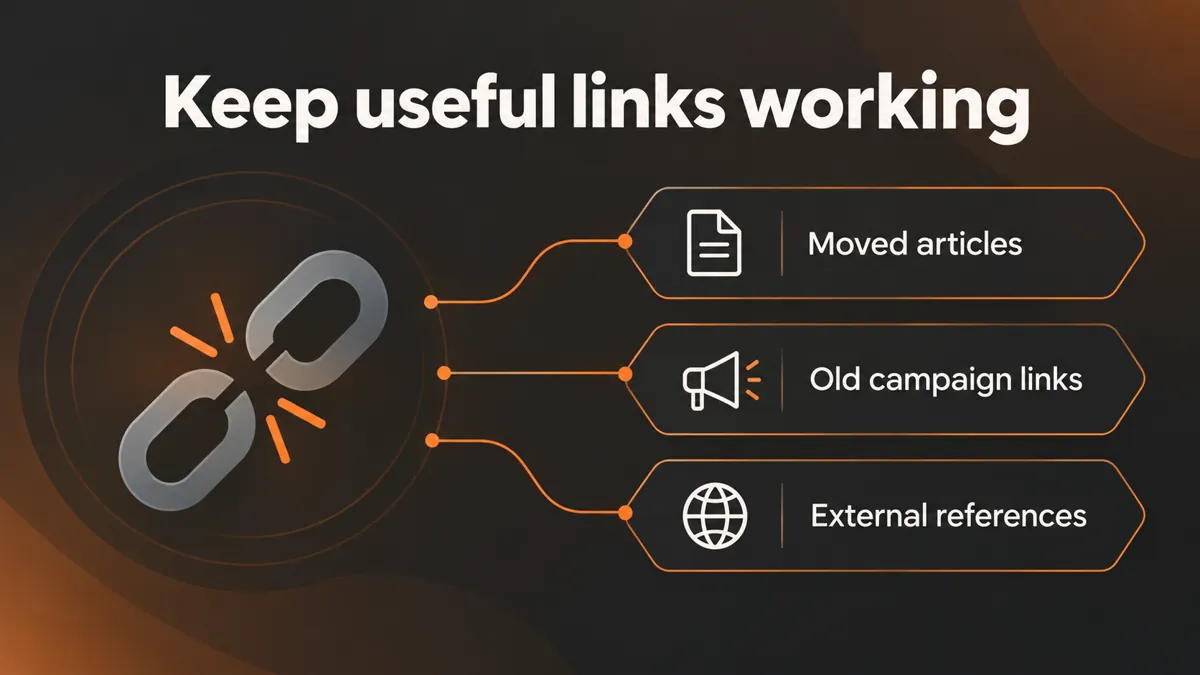
A page can link to a removed article, an outdated campaign URL, or a destination with a server error. The report pairs these destinations with the pages and anchor text that link to them, so you can find the link you need to update.
Check the destination manually before changing it. A redirect may be intentional, and a firewall or temporary server problem can affect automated checks. Choose the right replacement based on the visitor’s original reason for following the link.

Locate the source link

Find removed destinations

Review redirecting links

Check external references

Prioritize manual repairs

Retest changed pages

After deleting or moving content, crawl a small sample of important pages. Review broken and redirecting links, update the relevant source pages, then run another check.
Use this checker for routine website maintenance, content moves, and focused technical SEO reviews.


The tool fetches public pages server-side with conservative crawl and rate limits. It states that reports are not saved to the WordPress database.
Enter public website addresses. External sites can block automated requests, so verify uncertain results manually and avoid submitting private URLs or access tokens.
Learn what the crawl checks, how to locate a broken link, and why some results need a manual follow-up.
It crawls a limited set of internal pages, checks unique link destinations, and reports broken or redirecting URLs with their source pages and anchor text.
Choose a crawl limit of 5, 10, or 15 pages. This public tool is intended for a focused sample and does not guarantee complete website coverage.
Yes. Enable the external-link option before starting. Off-site checks can take longer, and some destination sites block automated requests.
No. The report shows links to review. Update the relevant source page or plan an appropriate redirect yourself, then verify the result.
No. A redirect may intentionally lead to a replacement page. Review its final destination and update old links when a direct link would be more useful.
The public checker is free. It fetches public pages server-side with conservative limits and states that reports are not saved to the WordPress database.
WebTrendSEO can help review recurring link errors, plan content redirects, and prioritize repairs across your important pages.
Feel free get in touch with us via phone or send us a message
phone: +92 3400 644414
email: contact@webtrendseo.com
We use cookies to operate our website, understand how visitors use it and improve our services. You can accept all cookies, reject non-essential cookies or manage your preferences.