Technical SEO

HTTP Status Code Checker

Check up to 25 URLs for response codes, final destinations, content types, response times, and redirect notes.

Public URLs are fetched securely with strict crawl and rate limits. Reports are not saved to your WordPress database.
See which URLs respond successfully, redirect, or return an error.

HTTP Status Code Checker

Find failed requests and unexpected redirects

A page can look fine in a browser while its server returns an unexpected response. WebTrendSEO’s HTTP Status Code Checker checks a short list of public URLs and shows their response codes, final destinations, content types, and response times.

Use it after moving pages, changing redirect rules, or investigating a broken link. Start with your most important URLs and review errors individually before making changes.

HTTP response codes

Final destinations

Content types

Response times

Redirect notes

4xx client errors

5xx server errors

Fetch failures

Up to 25 URLs
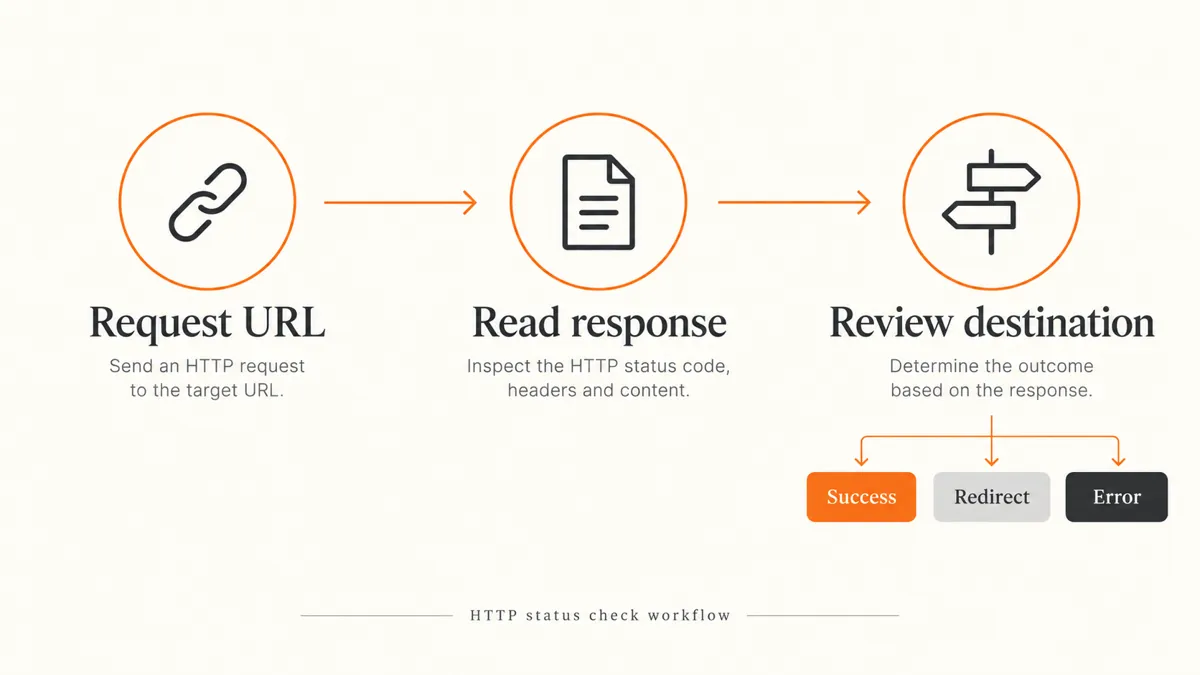
HTTP checking workflow: request a URL, read the response, and review its destination
How It Works

How to check HTTP status codes

Paste up to 25 public URLs, one per line. Include the full https:// or http:// address.
Paste public URLs, one per line
Keep the list to 25 URLs or fewer
Click Check HTTP Status
Review each response code
Check the final destination
Investigate errors, then retest
WHY CHECK RESPONSE CODES?

Check the response before investigating the page

A 404 can mean a page has moved or been removed. A 5xx response can point to a server problem. A redirect may be intentional, but its final destination still needs checking.

This report gives you a starting point for diagnosis. Response codes alone cannot confirm indexing, page quality, or search rankings. A firewall may also treat this checker differently from your own browser.

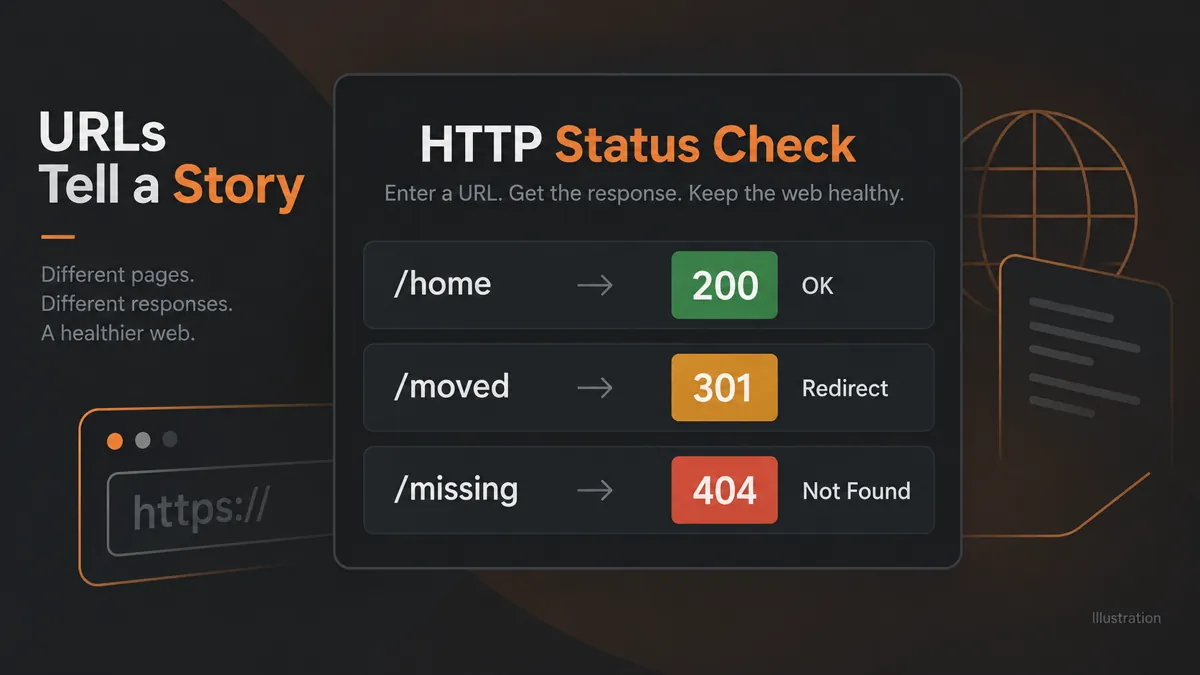
Illustration of 200 OK, 301 redirect, and 404 not found HTTP responses

Spot broken pages

Review redirected URLs

Check migration results

Investigate server errors

Prioritize further checks

Quick public URL checks

CHECK IMPORTANT URLS

Verify pages after a site update

After a migration or redirect update, check a small set of key pages. Review the final URL and investigate unexpected errors before expanding your audit.
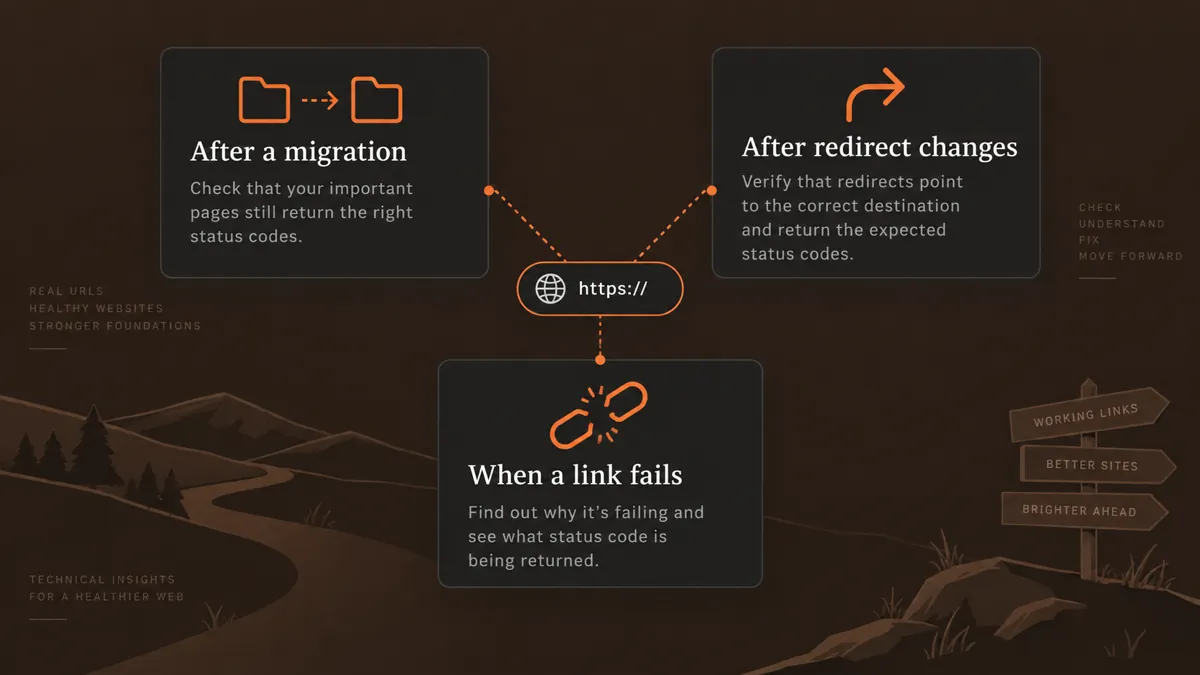
HTTP status checks after migrations, redirect changes, and broken links
Use Cases

Who Can Use This Tool?

Use this checker for quick spot checks during maintenance, migrations, and technical SEO reviews.
SEO consultants investigating URL errors
Agencies checking client migrations
Site owners reviewing important pages
Editors checking removed articles
Developers testing redirect changes
Support teams diagnosing fetch failures
Teams checking campaign destinations
Safe & Secure

How your URLs are processed

The checker fetches public URLs through a server-side request with conservative crawl and rate limits. Reports are not saved to the WordPress database.

Use public page addresses. Avoid entering private links, access tokens, or URLs containing personal information.

Free Tools

Other Free Tools From WebTrendSEO

Redirect Checker

Trace redirects and review the final URL destination.

Broken Link Checker

Check a public page for broken link destinations.

Indexability Checker

Check robots directives, canonical signals, and indexing restrictions.

Sitemap Health Checker

Review XML sitemaps for errors and duplicate URLs.

SEO Site Scan

Start a broader SEO review with a focused site scan.

Page Audit Tool

Review SEO signals on an individual public page.

Practical checks for everyday SEO work

FAQs

HTTP Status Code Checker FAQs

Learn what the report shows, how to interpret response codes, and when to investigate a result further.

It checks up to 25 public URLs and reports response codes, final destinations, content types, response times, and redirect or fetch notes.

A 200 response usually means the request succeeded. A 301 signals a permanent redirect. A 404 means the requested resource was not found. Check the destination and page content before deciding on a fix.

No. A successful HTTP response is only one technical signal. Robots rules, noindex directives, canonical tags, and search engine decisions can also affect indexing.

A timeout, firewall, rate limit, or connection problem can prevent the request from completing. Compare the result with your browser and server logs before treating it as a permanent page error.

This tool accepts a short list of up to 25 URLs. Use it for spot checks. It does not discover every page on a website.

The tool reports that results are not saved to the WordPress database. Public URLs are fetched server-side with strict crawl and rate limits.

Lets Talk

Need help fixing website errors?

If key pages return errors or redirects lead to the wrong destination, WebTrendSEO can help investigate the cause and plan the fixes.