WebTrendSEO Search Console Intelligence

GSC CTR Opportunity Finder

Find queries and pages earning impressions but fewer clicks than their ranking should generate. Prioritize the biggest recoverable-click opportunities instead of guessing which title to rewrite.

Read-only GSC access Site-specific CTR benchmark Estimated click uplift
Step 1

Load Search Console performance data

Direct connection gives the strongest query-to-page analysis. Standard GSC ZIP and CSV exports are also supported.

Recommended

Connect Google Search Console

Fetch query + page rows directly with temporary browser authorization. No Search Console token or report is stored in WordPress.

A standard GSC ZIP contains separate query and page files. The tool can analyze both, but direct GSC connection is required to match each query to its exact page.

Explore a realistic opportunity report

Load sample query-to-page data to test the scoring, benchmarks, filters, exports, and recommendations before connecting a live property.

Privacy-first: Direct Search Console reports and OAuth tokens remain in the visitor’s browser. Optional snippet auditing sends only selected public page URLs to this WordPress site so it can read their title, meta description, H1, canonical and robots directives.

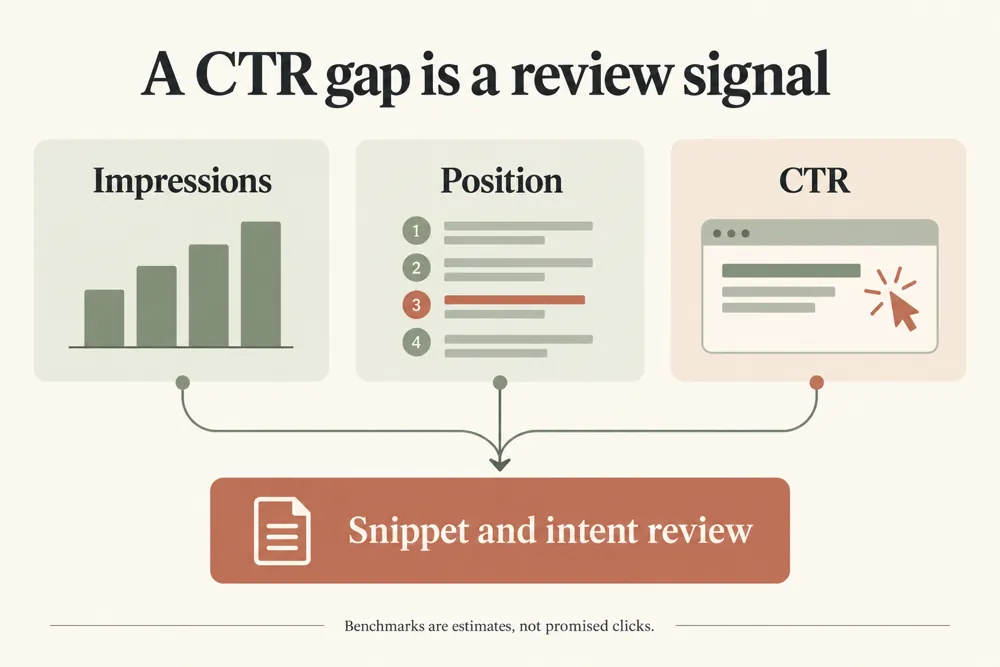
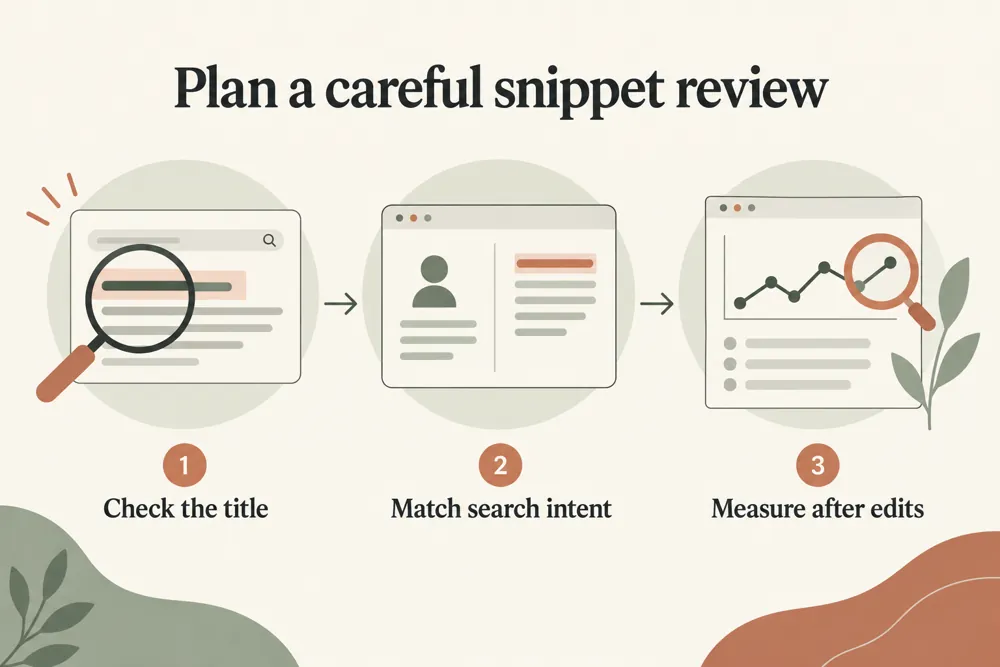
Use query and page data to choose snippet improvements worth testing.

CTR Opportunity Finder

Find queries earning fewer clicks than expected

WebTrendSEO’s GSC CTR Opportunity Finder highlights query and page combinations that earn fewer clicks than a selected benchmark suggests.

Connect Search Console temporarily or upload a CSV or ZIP export. Choose a site-based upper-quartile benchmark, a reference curve, or a fixed target CTR. Set impression, position, click-gap, and deficit thresholds to narrow the review.

Separate branded and non-branded queries where useful. Estimated uplift is a planning measure, not a forecast or guarantee. Review the actual search results and search intent before changing a title or description.

Query and page performance

Search Console or export input

Site-based CTR benchmarks

Reference curve comparison

Fixed target CTR option

Impression and position filters

Click-gap thresholds

Brand query separation

Optional public snippet audit
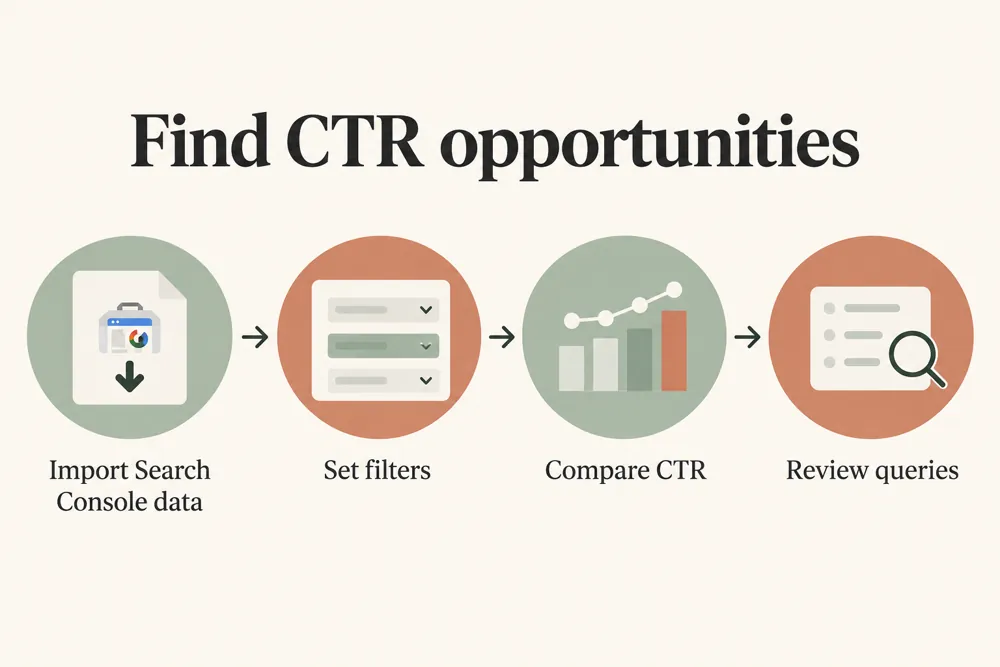
CTR opportunity analysis workflow and practical review steps
How It Works

How to find CTR opportunities

Start with a suitable benchmark and enough impressions to support the comparison. Review query intent and page relevance before testing a new snippet.

Connect Search Console or upload query and page data
Choose a CTR benchmark
Set impression, position, and click-gap thresholds
Add brand terms and exclusion rules if needed
Review the opportunity list and optional snippet audit
Test accurate snippets and measure the result
WHY USE THIS CHECKER

Prioritize snippet reviews using your own data

A page can receive impressions without earning many clicks. Comparing its query-level CTR with a suitable benchmark helps you decide where a snippet review may be worthwhile.

Low CTR is not always a title problem. Consider search intent, result layout, brand familiarity, and relevance. Write a title and description that accurately represent the page, then measure the change.

CTR opportunity analysis signals and findings illustrated

Prioritize queries with meaningful impressions

Compare actual CTR with a chosen benchmark

Review page and query pairs together

Separate branded search behavior

Focus on measurable snippet tests

Keep estimated uplift in context

NEED HELP IMPROVING SNIPPETS?

Turn click gaps into focused snippet tests

Choose a small set of strong opportunities and plan a clear snippet test. Record the original text and comparison period so you can assess the outcome.

CTR opportunity analysis use cases for website owners and SEO teams
Use Cases

Who Can Use This Tool?

Use this tool for pages and queries with enough impressions to support a review. It helps editors, SEO teams, and site owners prioritize possible title and description improvements.

SEO teams prioritizing snippet tests
Editors reviewing article titles
Store owners reviewing category snippets
Agencies preparing CTR improvement plans
Site owners comparing query performance
Marketing teams reviewing branded queries
Content teams measuring title changes
Safe & Secure

Your search data and privacy

Search Console tokens and performance rows remain in your browser and are not saved to the WordPress database.

An optional snippet audit sends selected public URLs to the server to fetch their page metadata. Submit only public URLs without sensitive access tokens.

Free Tools

Other Free Tools From WebTrendSEO

SEO Title & Meta CTR Rewriter

Generate title and meta description options for review.

SERP Meta Preview

Preview how a title and description may appear in search.

SEO ROI Calculator

Estimate SEO return using your own planning assumptions.

SEO Traffic Drop Diagnosis

Compare Search Console periods to investigate traffic drops.

Content Decay Finder

Review page performance trends for signs of content decay.

UTM Builder

Build consistent campaign tracking links with clear UTM parameters.

Practical SEO tools from WebTrendSEO

CTR OPPORTUNITY FAQ

CTR opportunity questions answered

Understand the benchmarks, estimated click gaps, and checks to make before changing a search snippet.

It compares actual query and page CTR with a selected benchmark. Impression, position, and click-gap filters help you prioritize snippets for review.

Choose a site-based upper-quartile benchmark, a reference curve, or a fixed target CTR. Select a method that suits the data and review its assumptions.

No. It is a planning estimate based on the selected benchmark. Search intent, result layout, competition, and relevance can affect actual clicks.

Yes. You can supply brand terms and use branded-query exclusion or a non-branded benchmark. This helps you review different search behavior separately.

Yes. Upload a CSV or ZIP export with query and page performance, or connect Search Console temporarily with read-only browser access.

Selected public URLs are sent to the server to fetch page metadata. Search Console tokens and performance rows remain in your browser and are not saved to WordPress.

FIND A SNIPPET TEST WORTH RUNNING

Find your next snippet improvement opportunity

Find query and page pairs worth reviewing. Choose accurate snippet improvements, run a focused test, and measure performance against a comparable period.