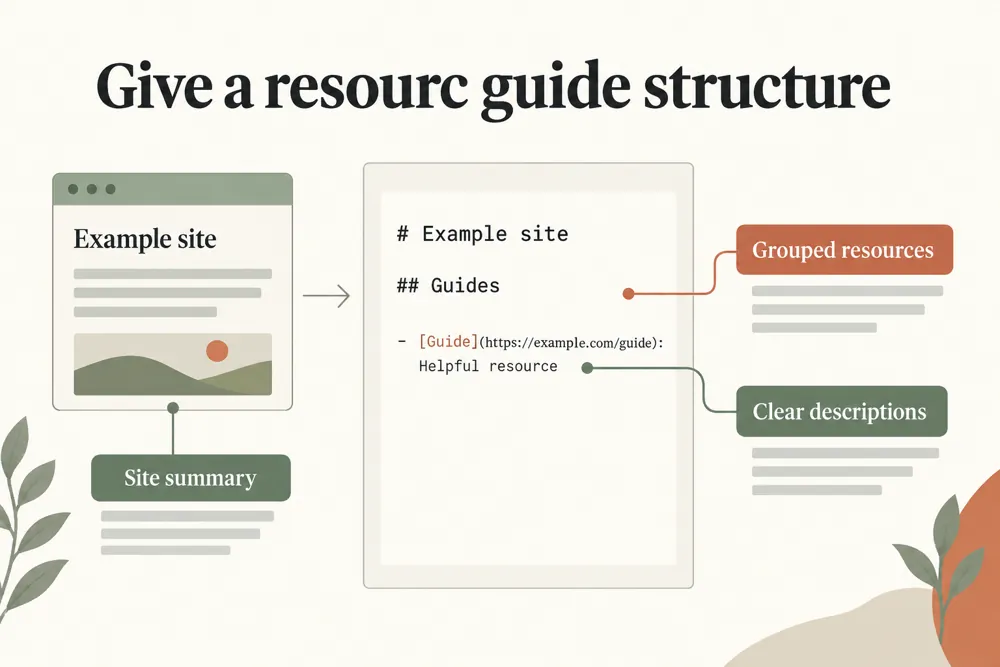
Create a curated Markdown guide to your most important pages, with optional sitemap import and an llms-full.txt outline.
Create a structured text guide to your most useful public pages.
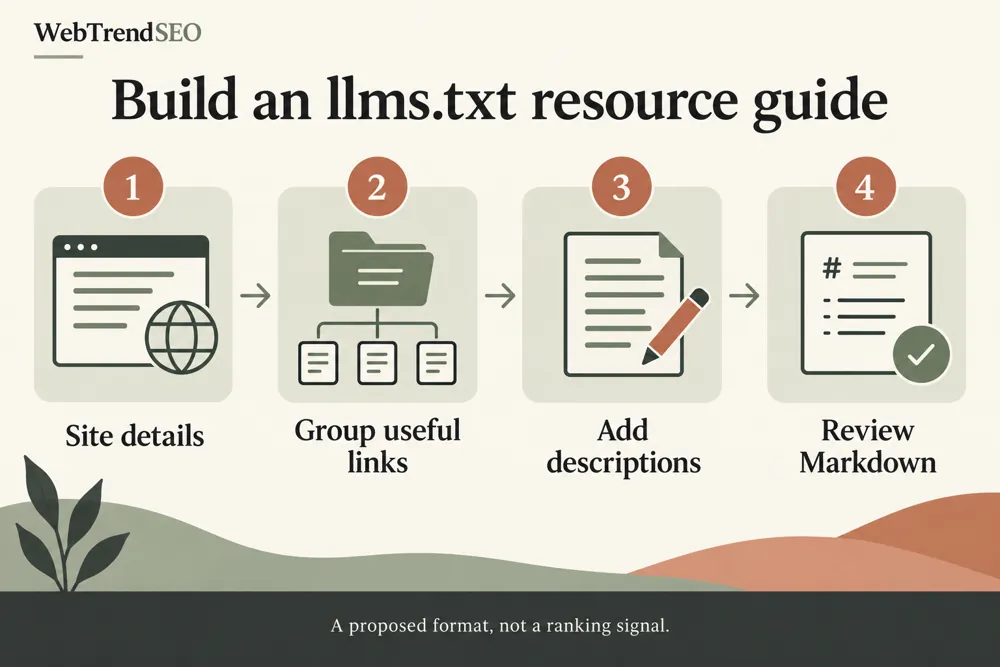
WebTrendSEO’s LLMs.txt Generator helps you prepare a Markdown guide to your website’s key resources. Add your site name, website URL, summary, and the links you want readers to find.
Enter resources as a label, URL, and description. Group core and optional links, or import up to 200 public URLs from a sitemap to help build your list. You can also create an llms-full outline.
Review every link and description before placing the file on your website. LLMs.txt is a proposed convention; creating a file does not guarantee that an AI service will read it, cite you, or improve your search rankings.

Site name and summary

Core resource groups

Optional resource links

Labels and descriptions

Structured Markdown output

Duplicate URL handling

Optional sitemap import

Up to 200 imported URLs

Optional llms-full outline
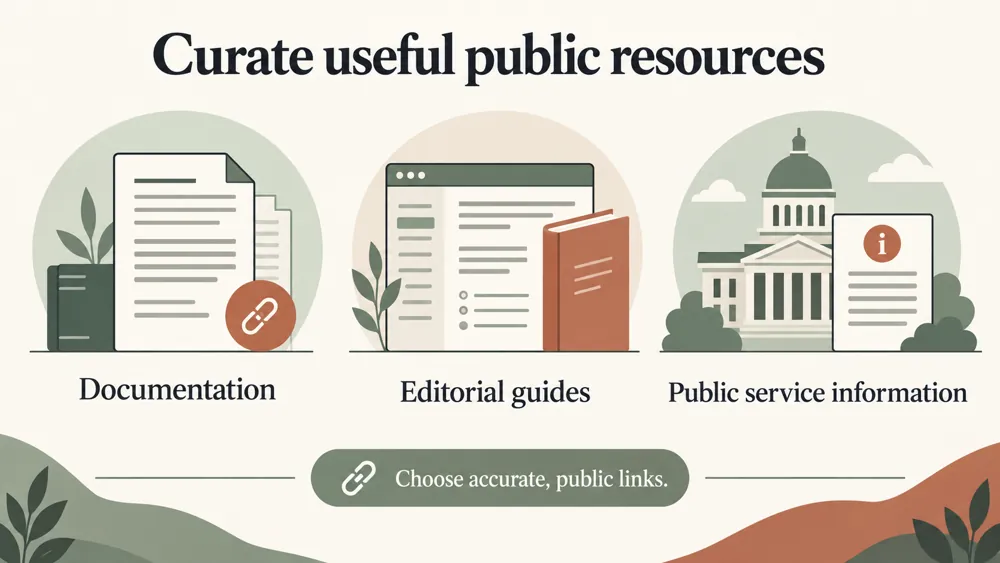
Choose the pages that best explain your site. A short, accurate resource guide is more useful than an unreviewed list of every URL.


A website can have many pages, but only some are the best starting points. A curated resource guide helps describe those pages and how they fit together.
Choose accurate labels, concise descriptions, and stable public URLs. Keep the file updated when resources move or change. Treat it as supporting documentation rather than a substitute for useful pages and sound technical SEO.

Present key resources clearly

Keep descriptions beside useful links

Separate core and optional material

Start from a sitemap when helpful

Review duplicate URL entries

Maintain a guide as your site changes

Start with the resources a visitor or agent would need to understand your site. Review the generated guide and keep its links accurate as the website changes.
Use the generator for documentation sites, service websites, product resources, and other sites that benefit from a curated guide to their key pages.


Text inputs are processed in your browser. Optional sitemap import makes server requests to public URLs; submit only public links without sensitive access tokens.
Generated reports are not kept as permanent user records. Review the output before adding it to your website.
Learn what the generator creates, which resources to include, and how to review the file before using it.
It creates a Markdown resource guide from your site name, summary, and selected links. You can organize core and optional resources and generate an optional llms-full outline.
Use the format Label | URL | description. Choose a clear label, a stable public URL, and a concise description of what the page provides.
Yes. The optional sitemap import can bring in up to 200 public URLs. Review the imported list and keep the resources that are useful for your guide.
No. It is a proposed resource-guide convention. Creating the file does not guarantee that an AI service will read it or cite your website.
No. Review the generated output and place the file on your website yourself. Check that the public URL is accessible and that its resource links work.
Text inputs are processed in your browser. Optional sitemap import makes server requests to public URLs. Generated reports are not kept as permanent user records.
Add your site details and a curated set of useful links. Generate the Markdown, check each entry, and keep the resource guide up to date.
Feel free get in touch with us via phone or send us a message
phone: +92 3400 644414
email: contact@webtrendseo.com
We use cookies to operate our website, understand how visitors use it and improve our services. You can accept all cookies, reject non-essential cookies or manage your preferences.