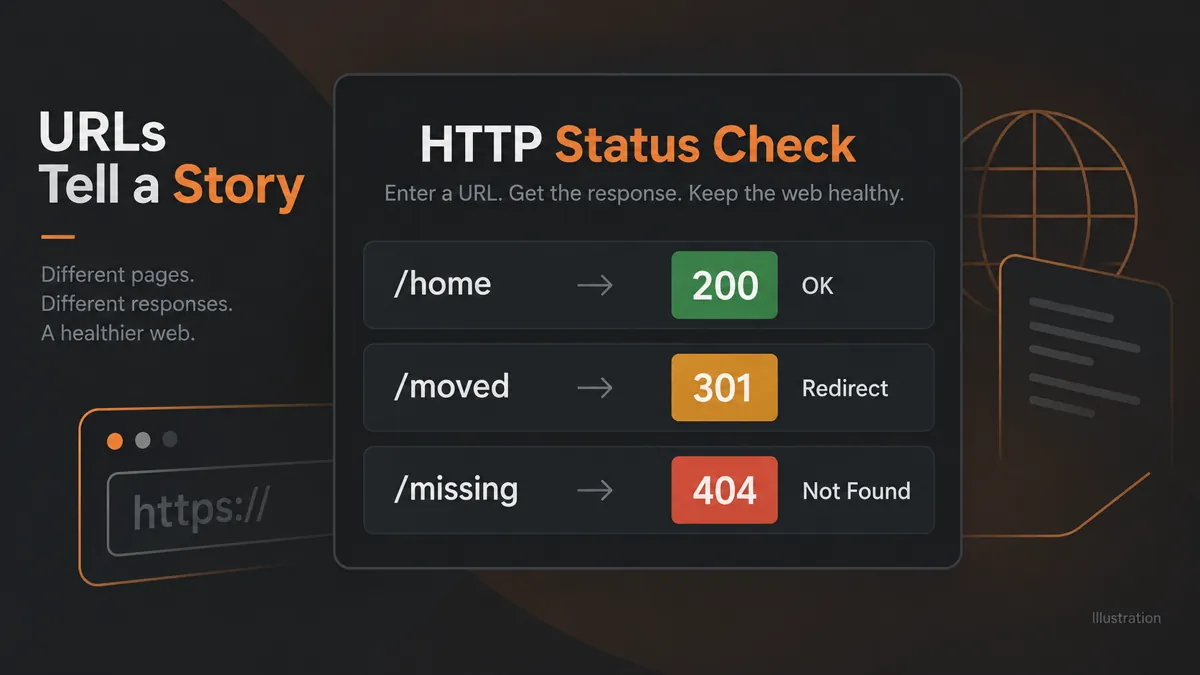
Check up to 25 URLs for response codes, final destinations, content types, response times, and redirect notes.
A page can look fine in a browser while its server returns an unexpected response. WebTrendSEO’s HTTP Status Code Checker checks a short list of public URLs and shows their response codes, final destinations, content types, and response times.
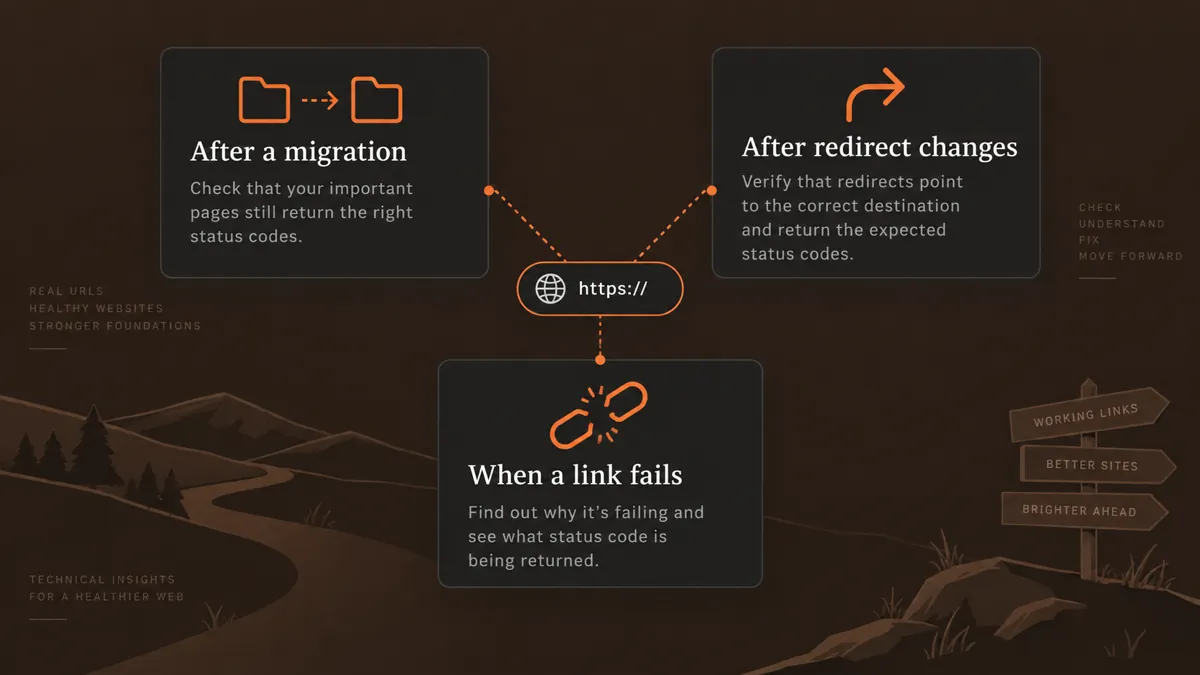
Use it after moving pages, changing redirect rules, or investigating a broken link. Start with your most important URLs and review errors individually before making changes.

HTTP response codes

Final destinations

Content types

Response times

Redirect notes

4xx client errors

5xx server errors

Fetch failures

Up to 25 URLs
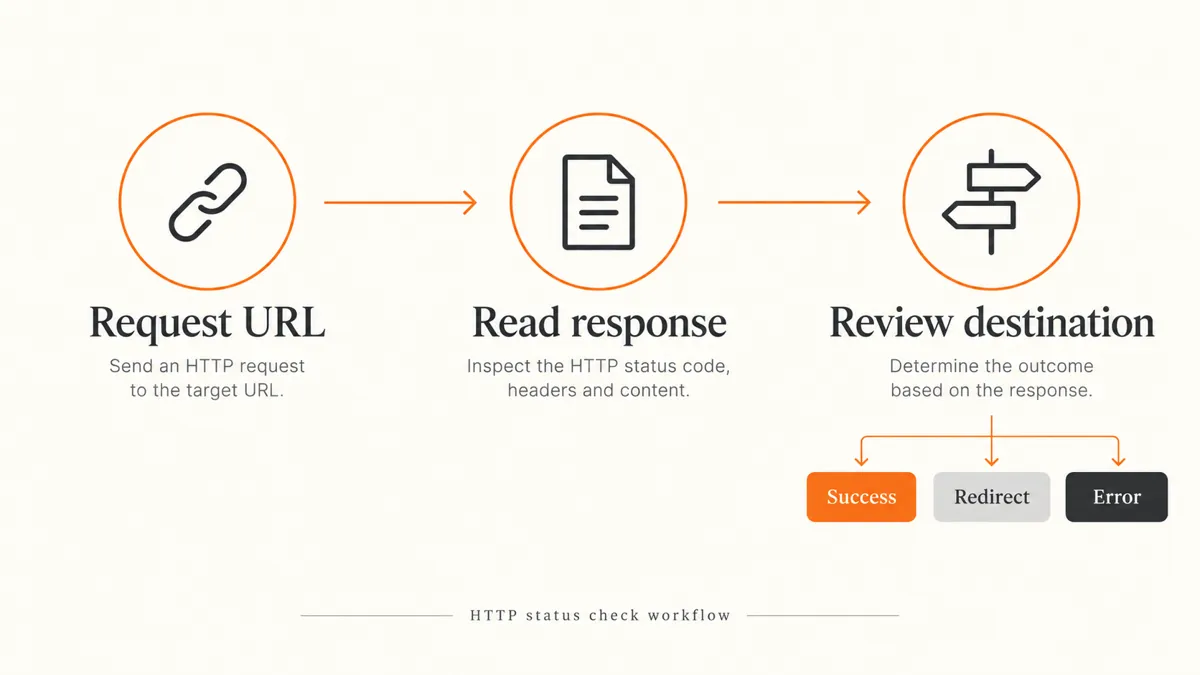


A 404 can mean a page has moved or been removed. A 5xx response can point to a server problem. A redirect may be intentional, but its final destination still needs checking.
This report gives you a starting point for diagnosis. Response codes alone cannot confirm indexing, page quality, or search rankings. A firewall may also treat this checker differently from your own browser.

Spot broken pages

Review redirected URLs

Check migration results

Investigate server errors

Prioritize further checks

Quick public URL checks



The checker fetches public URLs through a server-side request with conservative crawl and rate limits. Reports are not saved to the WordPress database.
Use public page addresses. Avoid entering private links, access tokens, or URLs containing personal information.
It checks up to 25 public URLs and reports response codes, final destinations, content types, response times, and redirect or fetch notes.
A 200 response usually means the request succeeded. A 301 signals a permanent redirect. A 404 means the requested resource was not found. Check the destination and page content before deciding on a fix.
No. A successful HTTP response is only one technical signal. Robots rules, noindex directives, canonical tags, and search engine decisions can also affect indexing.
A timeout, firewall, rate limit, or connection problem can prevent the request from completing. Compare the result with your browser and server logs before treating it as a permanent page error.
This tool accepts a short list of up to 25 URLs. Use it for spot checks. It does not discover every page on a website.
The tool reports that results are not saved to the WordPress database. Public URLs are fetched server-side with strict crawl and rate limits.
Feel free get in touch with us via phone or send us a message
phone: +92 3400 644414
email: contact@webtrendseo.com
We use cookies to operate our website, understand how visitors use it and improve our services. You can accept all cookies, reject non-essential cookies or manage your preferences.