Generate commented, copy-ready WordPress snippets for common SEO tasks using native hooks and safer defaults.
Build copy-ready PHP from your selected task and inputs, without a paid API or website connection.
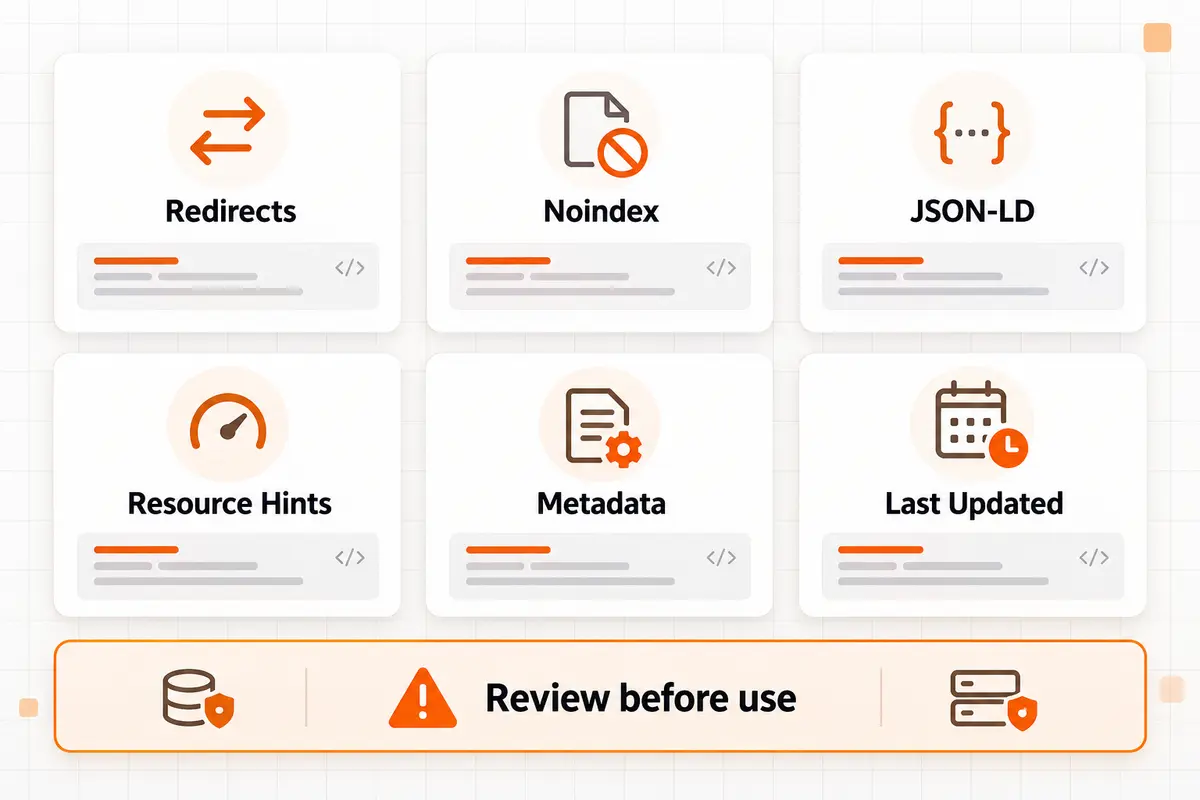
WebTrendSEO’s WP SEO Code Snippet Generator creates PHP drafts for common WordPress SEO tasks, including old-path redirects, search-result noindex rules, attachment-page redirects, selected post ID noindexing, custom JSON-LD, resource hints, generator-tag removal, and a last-updated shortcode.
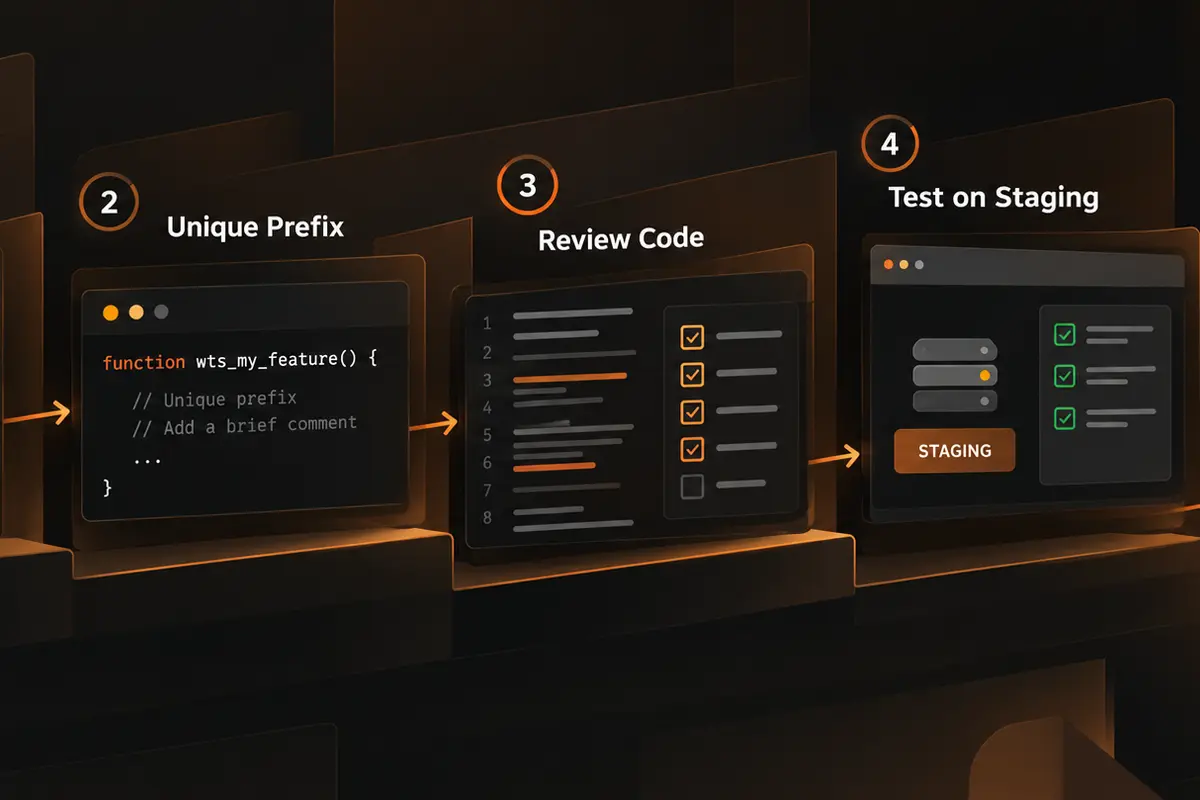
Choose a task, complete its task-specific fields, set a unique function prefix, and decide whether to include implementation comments. The tool then prepares code you can copy for review.
It does not connect to WordPress, install code, run a syntax check, or validate the result against your theme and plugins. Review every snippet, back up your site, and test on staging before deployment.

Native WordPress Hooks

Task-Specific Fields

Redirect Snippets

Noindex Rules

JSON-LD Drafts

Resource Hints

Unique Function Prefixes

Implementation Comments

Copy-Ready PHP
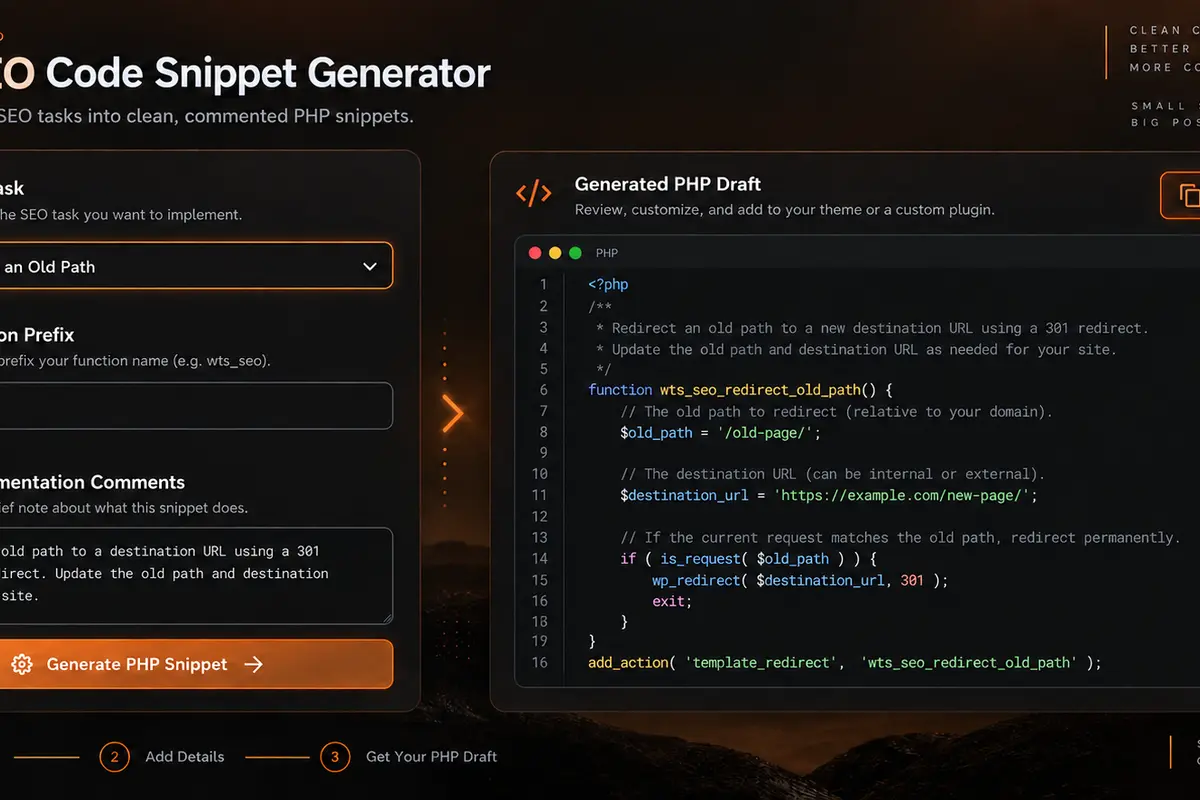
Select the SEO task you need, complete only the fields shown for that task, and use a unique prefix to reduce function-name conflicts.


Writing small WordPress SEO functions from scratch can be repetitive. This generator gives you a structured starting point based on native hooks and the inputs you provide.
Implementation comments can make testing, placement, and rollback steps easier to document. A unique prefix also helps reduce collisions with existing functions.
Generated code is still a draft. Review it for your WordPress version, theme, plugins, URL structure, and existing redirects. For higher-risk changes, use a technical SEO review before deployment.

Browser-side generation

Task-specific inputs

Unique function prefixes

Implementation comments

Copy-ready PHP drafts

No paid API required

Choose a WordPress SEO task, generate a commented PHP draft, and review every line before testing it in a safe environment.
For WordPress site owners, SEO consultants, developers, agencies, publishers, and content teams preparing small technical SEO implementations.


The interface states that your inputs are processed in the browser and are not saved in the WordPress database. No WordPress login, hosting credential, or paid API key is required.
PHP can change redirects, indexing directives, structured data, and front-end output. Never add code you do not understand. Keep a current backup, use staging where possible, and have a rollback method ready.
Learn what the generator creates, where snippets may be installed, and why every code draft still needs review and testing.
It is a browser-based tool that creates PHP drafts for common WordPress SEO tasks. You select a task, enter the required values, choose a function prefix and comment setting, then generate code for review and testing.
The available tasks include redirecting an old path, noindexing WordPress search results, redirecting media attachment pages, noindexing selected post or page IDs, adding custom JSON-LD on selected pages, adding preconnect or DNS-prefetch hints, removing WordPress generator metadata, and displaying a last-updated date shortcode.
Yes. It is free to use without mandatory signup, a paid SEO database, or a paid AI API. The interface states that the inputs are processed in your browser and are not saved in the WordPress database.
Common options include a reputable code-snippet manager or a child theme’s functions.php file. The best location depends on the code and your site setup. Avoid editing a parent theme because theme updates can overwrite changes, and always keep a rollback method available.
No. The generator does not log in to WordPress, install a plugin, edit theme files, activate PHP, create redirects, or change indexing directives. It only prepares code; you decide whether, where, and how to implement it.
Generated snippets are templates, not site-specific guarantees. They may conflict with existing functions, redirects, plugins, or theme behavior. Review the PHP, confirm the inputs, back up the site, test on staging, and verify the resulting redirects, robots directives, schema, or front-end output before production use.
A generated snippet can speed up preparation, but safe implementation depends on site context. WebTrendSEO can review the code, test redirects and directives, and connect the change with a broader SEO audit or technical SEO plan.
Feel free get in touch with us via phone or send us a message
phone: +92 3400 644414
email: contact@webtrendseo.com
We use cookies to operate our website, understand how visitors use it and improve our services. You can accept all cookies, reject non-essential cookies or manage your preferences.