Developer & On-Page SEO

SEO Slug Generator

Create concise, readable, keyword-focused URL slugs with batch options, stop-word control, and length checks.

Inputs are processed in your browser and are not saved in the WordPress database.

Compare slug options in batches without changing your website URLs.

FREE SLUG GENERATOR

Turn titles into readable URL slug options

WebTrendSEO’s Slug Generator turns titles and phrases into suggested URL wording. Enter one title per line and optionally add a primary keyword.

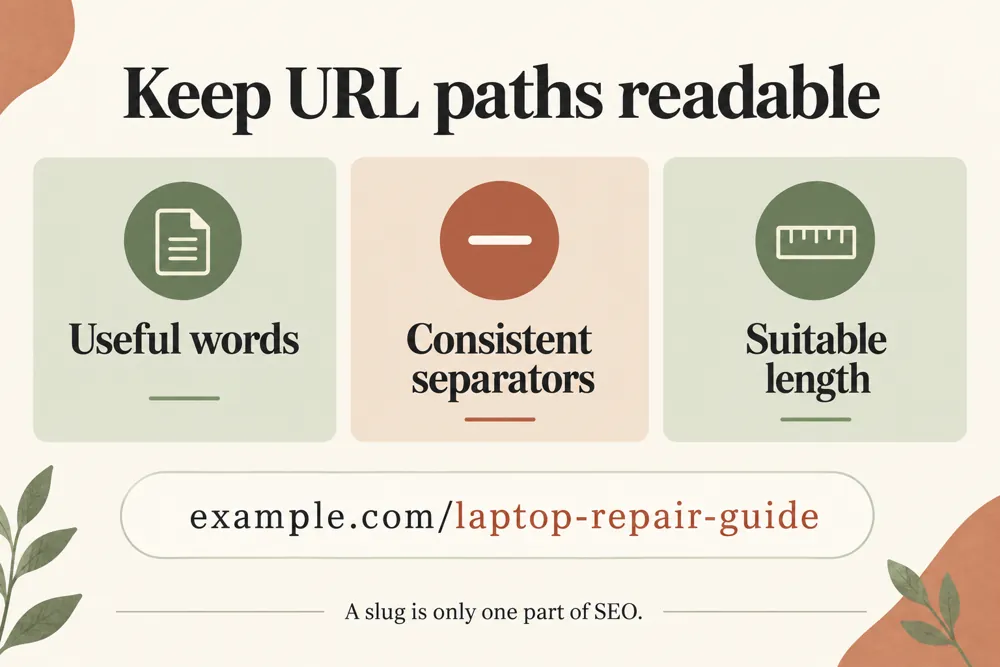
Choose hyphens or underscores, set a maximum length, and request one, three, or five suggestions. Stop-word removal and primary-keyword inclusion help you shape the output.

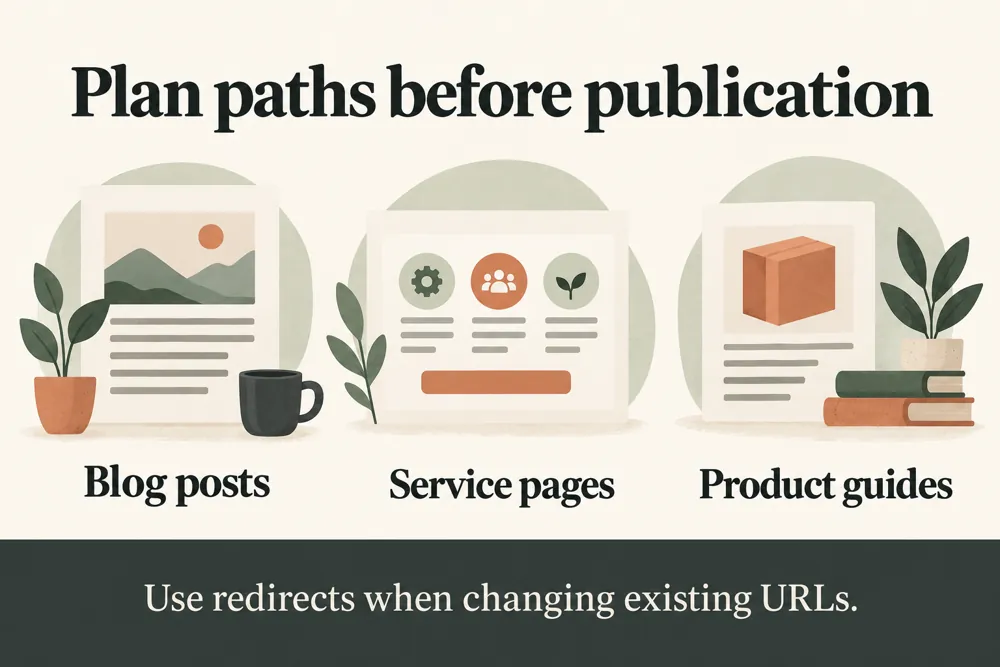
Review each suggestion for meaning and readability. The tool does not change URLs. Before altering an existing address, plan redirects and update internal links so visitors can still reach the page.

One title per line

Batch phrase processing

Optional primary keyword

Hyphen or underscore separator

Adjustable length limit

One, three, or five suggestions

Optional stop-word removal

Optional keyword inclusion

Readability-focused variants
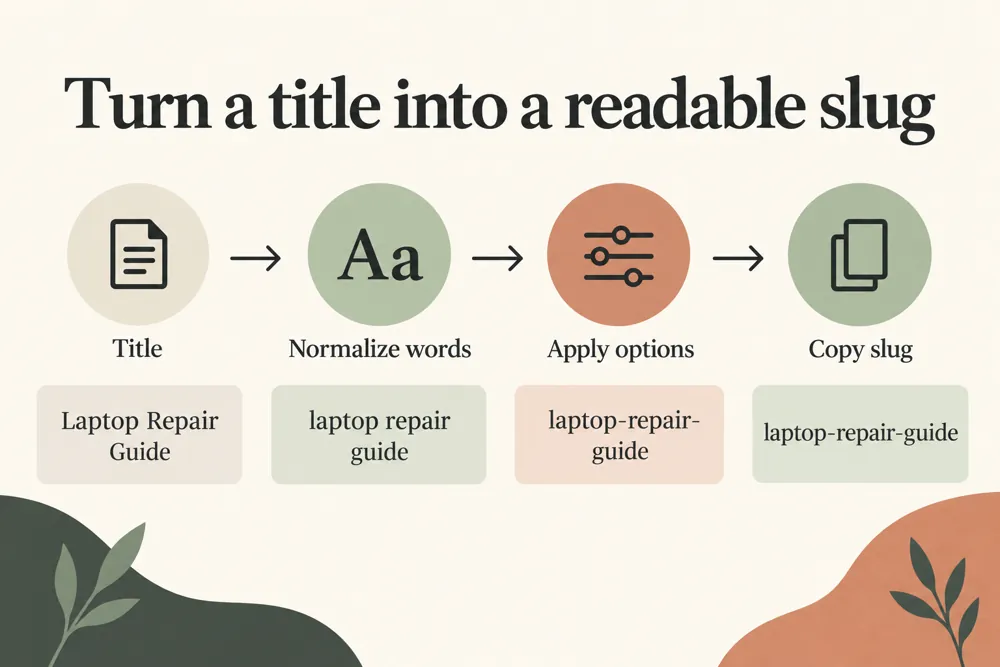
URL slug generation workflow and practical review steps
How It Works

How to generate your slug suggestions

Start with the page title or a clear description of its topic. Choose settings, generate the list, and keep the option that describes the page without unnecessary words.

Enter one title or phrase per line
Add a primary keyword if useful
Choose hyphens or underscores
Set the length limit and number of suggestions
Choose stop-word and keyword settings
Generate and review the suggested slugs
WHY USE THIS TOOL

Compare concise, readable URL wording

A readable slug gives a URL useful context and is easier to review than a long title copied unchanged. Batch suggestions help when planning several pages.

Keep the wording accurate and stable. A shorter URL is not automatically better if it loses the page’s meaning, and changing an established URL needs a separate migration plan.

URL slug generation signals and findings illustrated

Compare wording for several pages

Keep URL topics easy to understand

Control separator and length

Review keyword presence

Remove unnecessary words selectively

Plan wording before applying URL changes

NEED HELP PLANNING YOUR URLS?

Choose a clear slug before changing a URL

Choose a descriptive option and review it with your page plan. If the URL already exists, check the redirect and internal-link implications before applying a change.

URL slug generation use cases for website owners and SEO teams
Use Cases

Who Can Use This Tool?

Use the generator for new articles, service pages, products, and batch URL planning. It is a wording aid rather than a website migration tool.

Editors planning article URLs
Service businesses naming new pages
Store teams planning product slugs
SEO teams reviewing URL wording
Agencies preparing page inventories
Developers organizing new routes
Site owners comparing title-based options
Safe & Secure

Your title inputs and privacy

Titles, phrases, and optional keywords are processed in your browser and are not saved to the WordPress database.

The tool produces suggestions only. It does not edit your site, create redirects, or change existing URLs.

Free Tools

Other Free Tools From WebTrendSEO

Heading Tag Checker

Check H1–H6 heading structure on a public page.

Redirect Checker

Trace redirects and review the final URL destination.

SEO Title & Meta CTR Rewriter

Generate title and meta description options for review.

HTML Text Converter

Convert HTML to plain text or text to HTML.

Word Counter

Count words and characters in your supplied text.

Page Audit Tool

Review SEO signals on an individual public page.

Practical SEO tools from WebTrendSEO

SLUG GENERATOR FAQ

Slug generator questions answered

Learn how the settings shape suggestions and what to review before changing an existing URL.

It converts supplied titles or phrases into readable slug suggestions. Enter one title per line and review the proposed URL wording.

Choose hyphens or underscores. Use a consistent approach that fits your site’s URL conventions.

Yes. Choose one, three, or five suggestions and set a maximum length. Review each option for accurate meaning and readability.

Yes. Supply an optional primary keyword and enable its inclusion if appropriate. Avoid forcing wording that no longer describes the page naturally.

No. It creates suggestions only. Plan redirects and update internal links separately before changing an existing address.

No. Inputs are processed in your browser and are not saved to the WordPress database.

REVIEW YOUR URL WORDING

Create a readable slug for your next page

Add your titles, choose the separator and length settings, and compare the suggestions. Keep URL wording clear and review any existing-address changes separately.