On-Page SEO

Heading Tag Checker

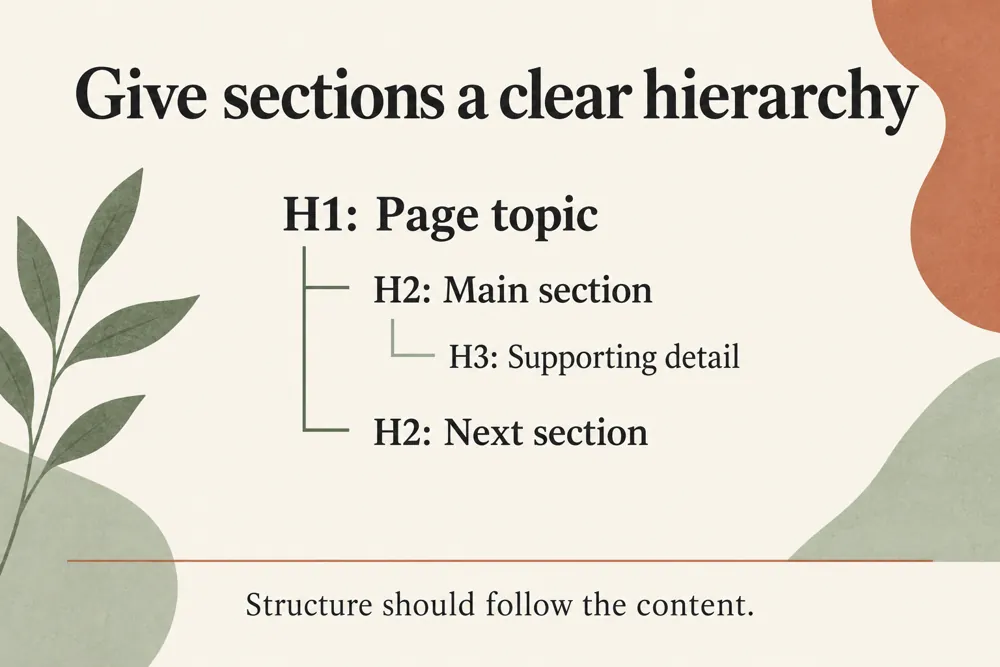
Extract H1–H6 headings in document order and detect missing H1s, empty headings, duplicates, and hierarchy skips.

Public URLs are fetched securely with strict crawl and rate limits. Reports are not saved to your WordPress database.

See your page outline and identify heading issues that deserve a closer review.

FREE HEADING TAG CHECKER

Review a page’s heading order and hierarchy

WebTrendSEO’s Heading Tag Checker extracts H1 to H6 headings from a public page and presents them in document order.

Enter one page URL to review missing H1s, empty headings, duplicate text, hierarchy skips, and heading length. Use the outline to compare the structure with what the page is meant to explain.

Review each flag in context. The checker does not change your headings, and a warning should lead to an editorial or technical check rather than an automatic rewrite.

One public URL input

H1 to H6 extraction

Document-order outline

Missing H1 flags

Empty heading checks

Duplicate heading text

Hierarchy skip signals

Heading length review

Page structure findings
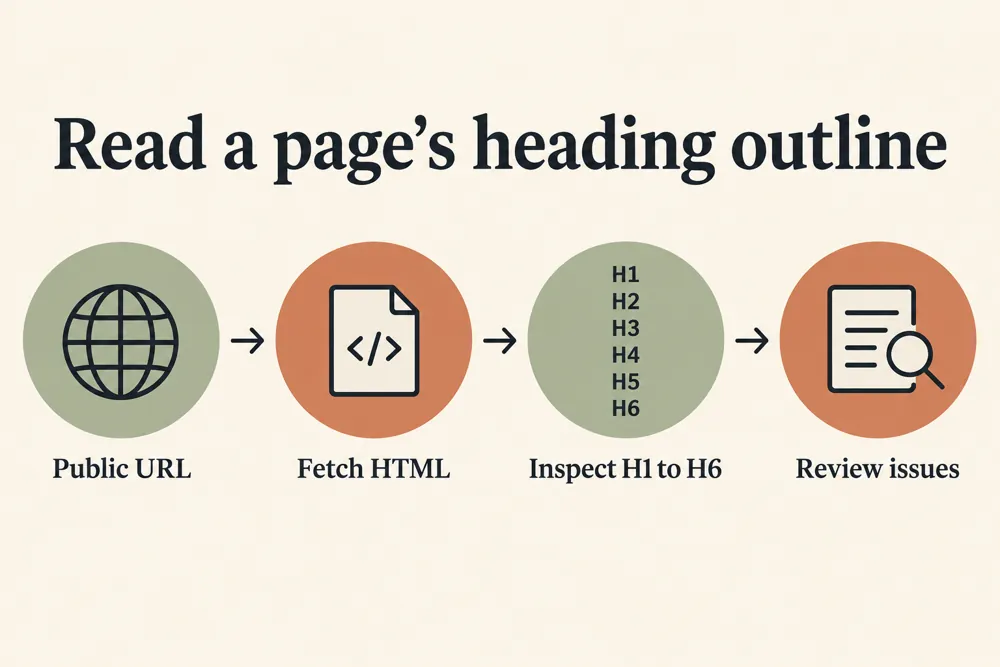
Heading hierarchy checking workflow and practical review steps
How It Works

How to check your heading structure

Choose a public page and check its outline. Compare heading order with the page’s main topic and sections before deciding what to change.

Enter one public page URL
Run the heading check
Review H1 to H6 in document order
Check missing, empty, or duplicate headings
Review hierarchy skips and length signals
Confirm changes in the page or template and recheck
WHY USE THIS TOOL

Find headings that need an editorial review

Headings help readers navigate a page and understand how its sections relate. A document-order outline makes unexpected gaps and repeated text easier to spot.

Use meaningful headings and a hierarchy that reflects the content. Confirm template-generated headings and page-specific headings together so the final outline is useful.

Heading hierarchy checking signals and findings illustrated

See the extracted page outline

Find missing or empty headings

Review repeated heading text

Spot unexpected hierarchy gaps

Compare template and content structure

Plan changes that help readers navigate

NEED HELP REVIEWING YOUR PAGE STRUCTURE?

Make your page outline easier to follow

Review the outline and choose changes that improve navigation and meaning. Check the page again after editing its content or template.

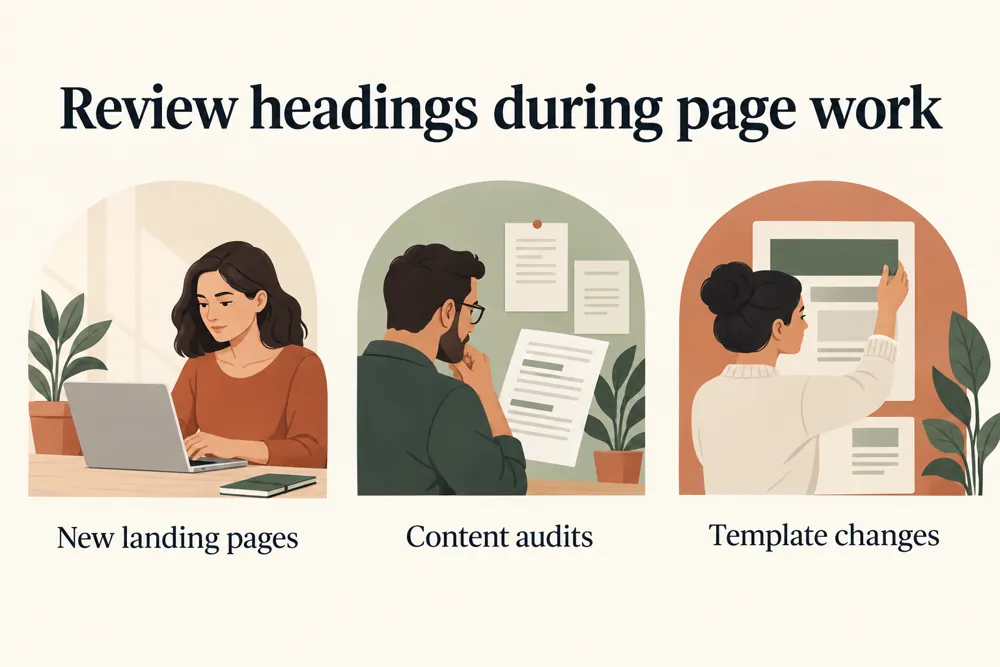
Heading hierarchy checking use cases for website owners and SEO teams
Use Cases

Who Can Use This Tool?

Use the checker for articles, service pages, product pages, landing pages, and template reviews. It gives editors and developers a shared view of the extracted outline.

Editors reviewing article structure
SEO teams checking landing pages
Developers reviewing templates
Agencies auditing client pages
Store teams checking product headings
Site owners reviewing redesigned pages
Content teams planning clearer sections
Safe & Secure

Public page requests and privacy

The tool requests one public page using security and rate limits. Submit only public URLs without private access tokens.

Reports are not saved to the WordPress database. The checker reports heading signals and does not edit your website.

Free Tools

Other Free Tools From WebTrendSEO

HTML Text Converter

Convert HTML to plain text or text to HTML.

Page Audit Tool

Review SEO signals on an individual public page.

Website Word Counter

Count words across public pages or small website samples.

Word Counter

Count words and characters in your supplied text.

Content Brief Topical Gap Generator

Plan a content brief and review topical gaps.

Slug Generator

Turn page titles into readable URL slug suggestions.

Practical SEO tools from WebTrendSEO

HEADING TAG CHECKER FAQ

Heading tag questions answered

Learn what the extracted outline shows and how to review heading warnings in context.

It extracts H1 to H6 headings from a public page and presents them in document order for review.

It flags missing H1s, empty headings, duplicate text, hierarchy skips, and heading length signals. Review the findings against the page’s purpose.

No. A flag is a prompt to investigate. Check the content, template, and intended hierarchy before deciding whether a change helps the reader.

This checker takes one public page URL at a time. Use a focused page review rather than treating it as a full-site crawler.

No. It reports the extracted outline and review signals. Apply any confirmed content or template changes yourself, then check the page again.

No. Reports are not saved to the WordPress database. Public URL requests use security and rate limits; do not submit private links or access tokens.

CHECK YOUR HEADING ORDER

Review the outline of your public page

Enter one public URL and review the H1 to H6 outline. Check missing, empty, repeated, or skipped headings before planning a useful structure update.