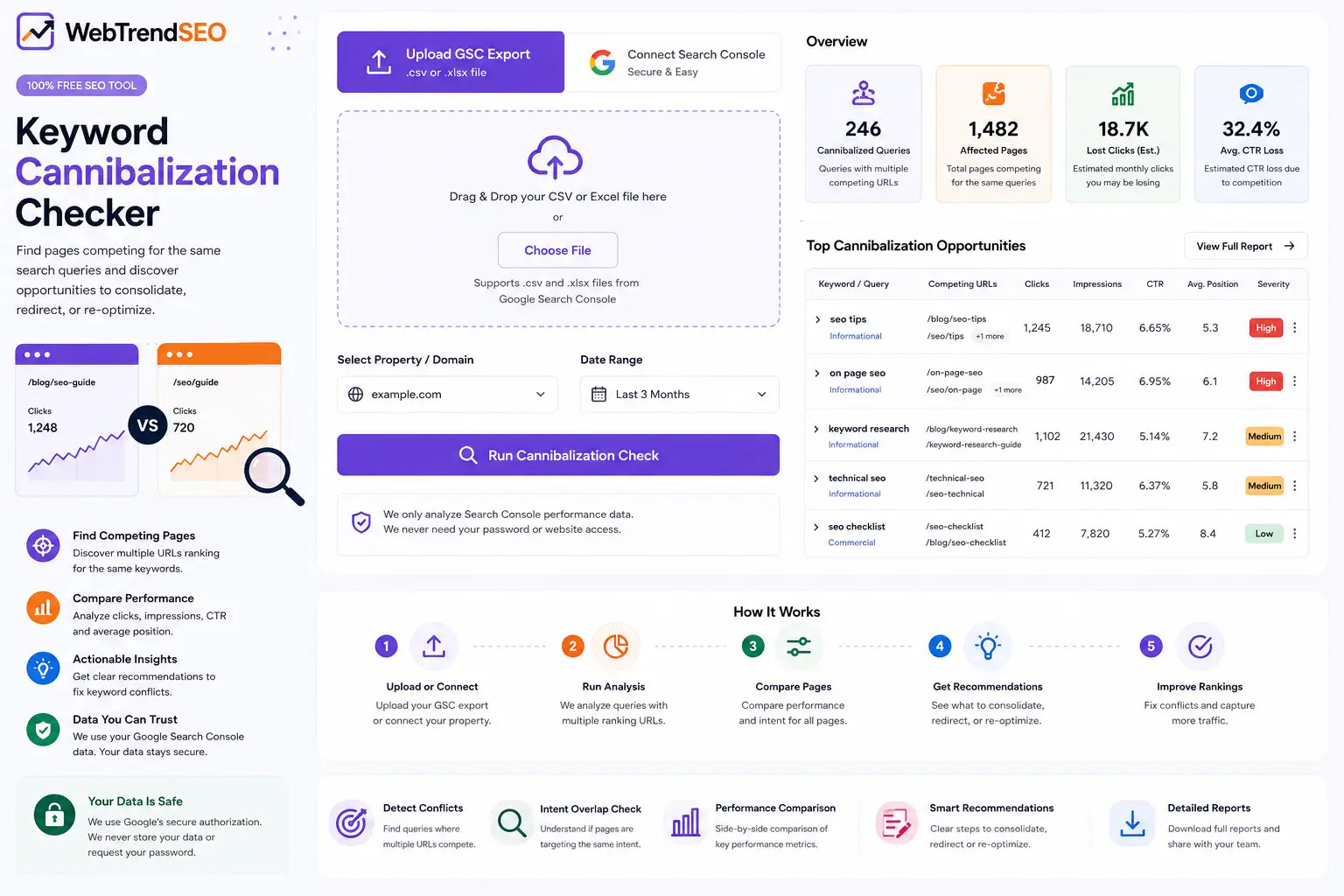
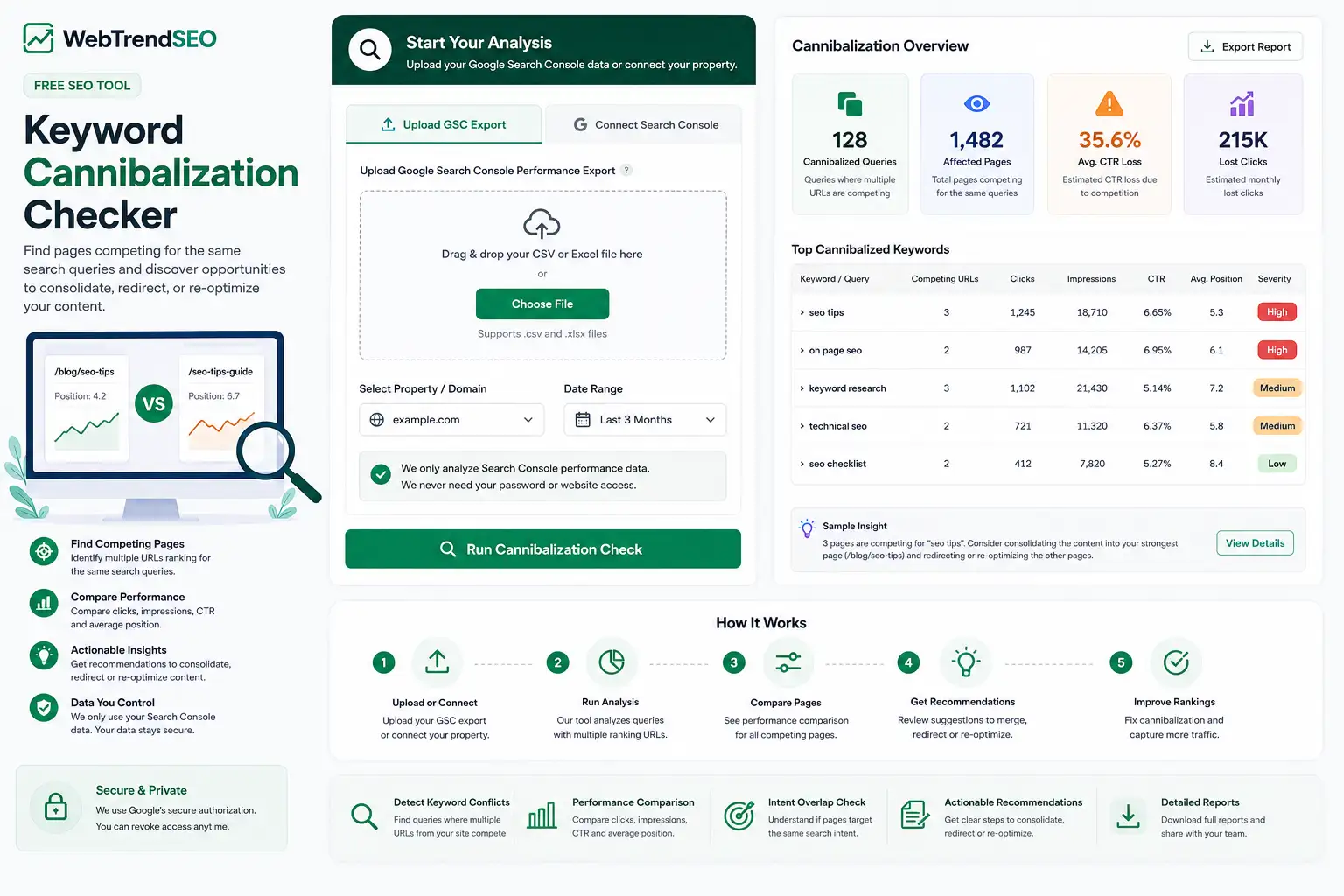
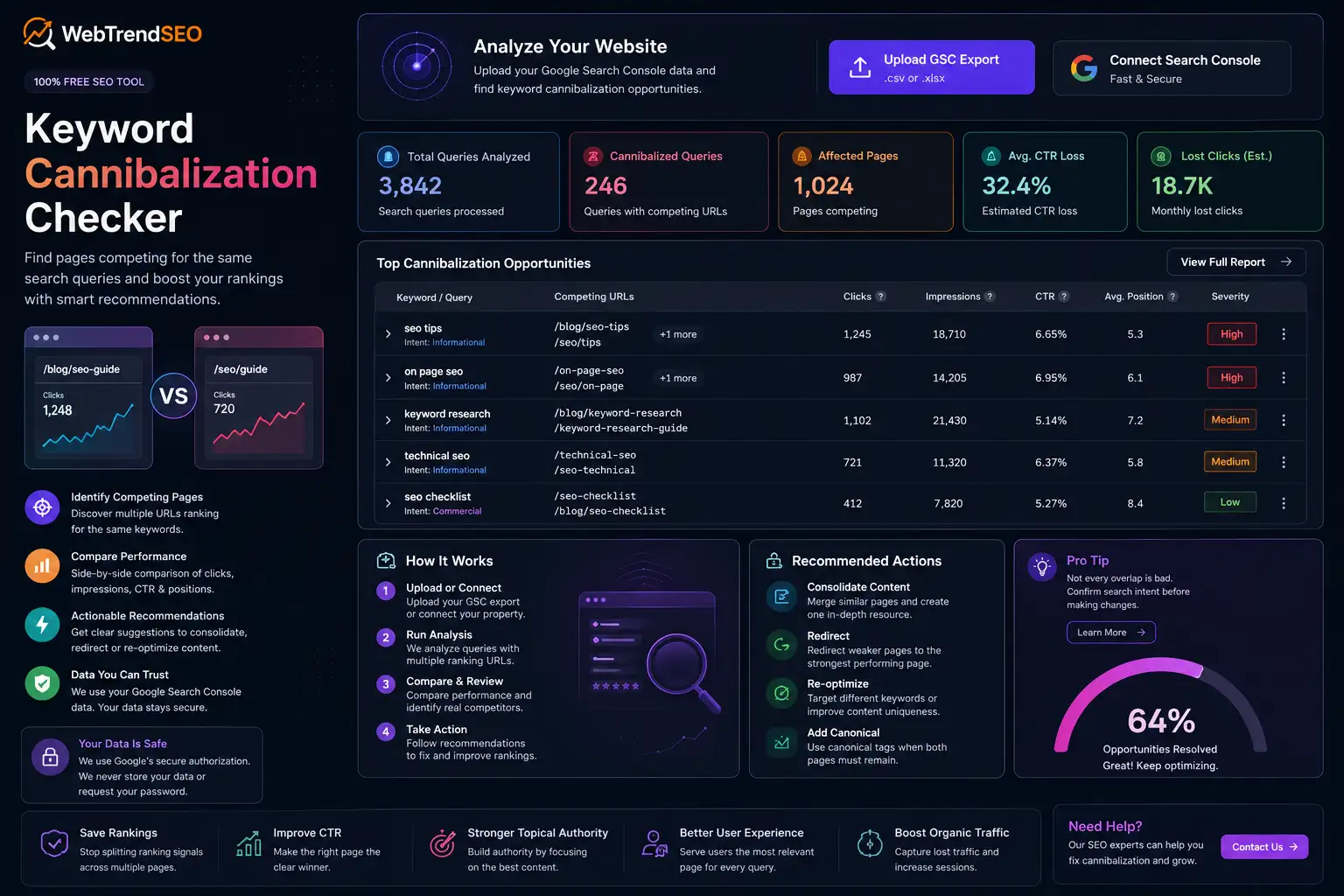
Keyword Cannibalization Checker

Find pages competing for the same search queries and discover the best opportunities to consolidate, redirect, or re-optimize your content.

WebTrendSEO SEO Intelligence

Keyword Cannibalization Checker

Find pages competing for the same queries, identify the strongest URL, and get a prioritized action plan—not a list of misleading duplicates.

GSC data stays in your browser Exact query-to-page evidence Client-ready recommendations
Step 1

Load query-to-page performance data

Connect Search Console or upload a compatible CSV/ZIP containing Query, Page, Clicks, Impressions, CTR and Position.

Recommended

Connect Google Search Console

Fetch the correct Query + Page dataset directly. Access is read-only, temporary, and processed in your browser.

or upload a compatible export
Built for decisions, not panic. Multiple URLs ranking for one query is not always harmful. This checker lowers false positives by measuring visibility split, ranking proximity, URL dominance and date-level switching when available.

Analyze competing URLs, overlapping search intent, lost clicks, and consolidation opportunities in one report.

FREE KEYWORD CANNIBALIZATION CHECKER

Find Pages Competing for the Same Search Queries

WebTrendSEO’s Keyword Cannibalization Checker analyzes your Google Search Console data to identify search queries associated with multiple pages on your website.

It compares clicks, impressions, click-through rate, average position, ranking URLs, and search performance to reveal pages that may be targeting the same keyword or search intent.

Use the report to distinguish genuine keyword cannibalization from normal page overlap and find opportunities to merge content, improve internal linking, change keyword targeting, add canonical tags, or implement redirects.

Competing URL Detection

Query Overlap Analysis

Clicks and Impressions Comparison

CTR Comparison

Average Position Analysis

Cannibalization Severity

Search Intent Review

Consolidation Opportunities

Downloadable Reports
How It Works

How to Use the Keyword Cannibalization Checker

Analyze your website’s Google search performance and find potential keyword conflicts in a few simple steps.

Upload your Google Search Console performance export or connect your verified property.
Choose the website property and date range you want to analyze.
Run the report to group queries connected with multiple ranking URLs.
Compare each page’s clicks, impressions, CTR, position, and search intent.
Review the recommendations and decide whether to merge, redirect, re-optimize, or keep the pages separate.
WHY USE OUR KEYWORD CANNIBALIZATION CHECKER?

Stop Similar Pages From Splitting Your Search Signals

Keyword cannibalization can occur when multiple pages target the same keyword and satisfy the same search intent. Search engines may struggle to determine which page is the strongest result, causing rankings to fluctuate or authority to become divided.

However, multiple URLs appearing for one query do not always indicate a problem. Different pages may rank because they serve different intents or provide complementary information.

Our Keyword Cannibalization Checker combines performance data with page overlap signals so you can focus on genuine conflicts instead of removing valuable pages unnecessarily.

Keyword Cannibalization Checker

Find competing pages quickly

Compare page-level performance

Identify overlapping search intent

Discover consolidation opportunities

Protect high-performing content

Make decisions using real GSC data

FIX COMPETING PAGES

Find Keyword Conflicts Before They Cost Rankings

Analyze your Search Console data before creating new content, updating existing pages, or consolidating similar URLs. Find which page should remain, which page needs a new focus, and which content may need to be merged.

Keyword Cannibalization Checker
Use Cases

Who Can Use This Tool?

The Keyword Cannibalization Checker is useful for SEO professionals, agencies, content teams, publishers, and website owners who want to strengthen existing content and improve organic search performance.

SEO experts auditing competing pages
Agencies analyzing client websites
Content teams planning consolidations
Bloggers reviewing similar articles
Ecommerce stores checking category and product overlap
SaaS companies comparing feature and solution pages
Local businesses reviewing service and location pages
Safe & Secure

Your Search Console Data Is Safe

The tool only requires the search performance data needed to create your cannibalization report. It does not need your CMS, hosting, website administrator, or Google password.

Google Search Console connections are handled through Google’s secure authorization process, and access can be revoked from your Google Account whenever required.

Free Tools

Other Free Tool From WebTrendSEO

Page Audit Tool

Analyze on-page SEO, technical issues, content quality, and ranking signals.

Keyword Density Checker

Check keyword usage, frequency, and content distribution.

SERP Meta Preview

Preview how your title and meta description may appear in Google.

Trusted by over 50.000
people worldwide

FAQs

Keyword Cannibalization Checker FAQs

Explore common questions about competing pages, keyword overlap, Search Console data, content consolidation, redirects, canonical tags, and how to fix keyword cannibalization correctly.

Keyword cannibalization occurs when two or more pages on the same website compete for the same search query and satisfy substantially the same search intent. This may divide relevance, links, engagement signals, and ranking potential between multiple URLs.

No. Multiple pages can legitimately rank for the same query when they serve different intents or provide complementary information. Cannibalization becomes a concern when similar pages compete for the same purpose and prevent one clear page from performing strongly.

The tool analyzes Google Search Console performance data and groups queries connected with multiple URLs. It compares clicks, impressions, CTR, average position, page overlap, and other signals to highlight potential conflicts.

You can upload a supported Google Search Console performance export or securely connect your Search Console property. The report requires query and page performance information to identify competing URLs.

The correct solution depends on the pages and their search intent. You may merge similar content, redirect a weaker page, update internal links, change keyword targeting, improve one primary page, use a canonical tag where appropriate, or keep both pages when they serve different purposes.

No. Do not delete or redirect a page only because it appears for the same query as another URL. Review the page purpose, intent, conversions, backlinks, traffic, and ranking history before making changes.

No. The tool identifies possible conflicts and provides recommendations, but it does not change your website. You should review each case before merging content, adding redirects, changing canonicals, or editing keyword targeting.

Yes. WebTrendSEO’s Keyword Cannibalization Checker can be used to analyze potential competing pages without purchasing a paid SEO platform.

Lets Talk

Need Help Fixing Keyword Cannibalization?

Use our free tool to find competing pages, or let WebTrendSEO review your content, consolidate overlapping URLs, strengthen internal linking, and create a complete SEO content strategy for your website.