Content Utility

HTML to Text / Text to HTML Tool

Convert HTML into clean readable text or turn structured plain text into safe semantic HTML without uploading content.

Inputs are processed in your browser and are not saved in the WordPress database.

Convert content in your browser with control over links, paragraphs, headings, and lists.

FREE HTML TEXT CONVERTER

Convert HTML and text with clear formatting options

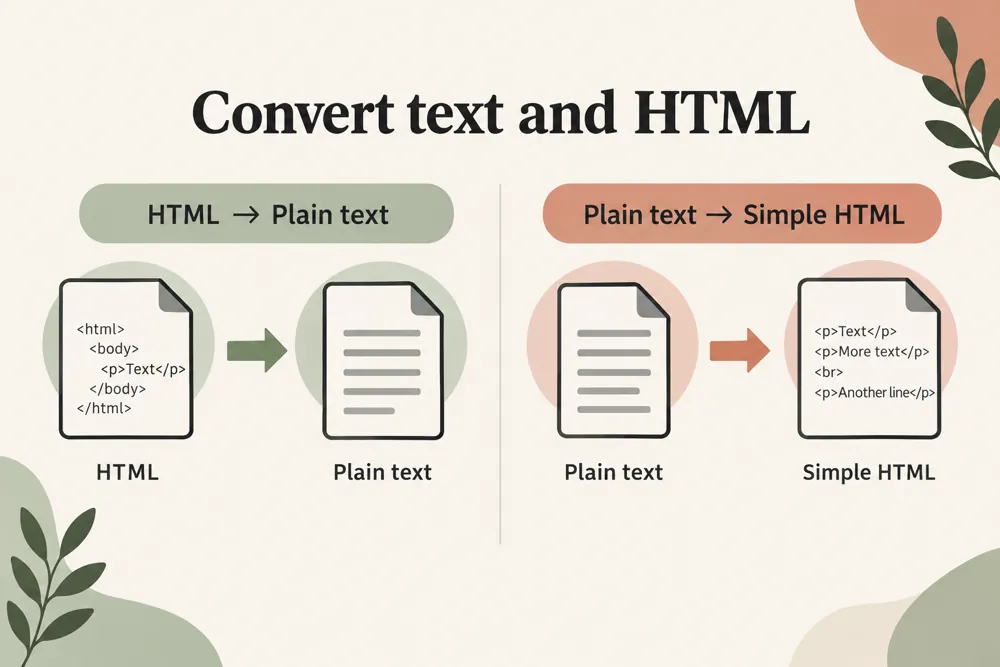
WebTrendSEO’s HTML Text Converter works in two directions: HTML to Text and Text to HTML. Paste the content and choose the mode that fits your task.

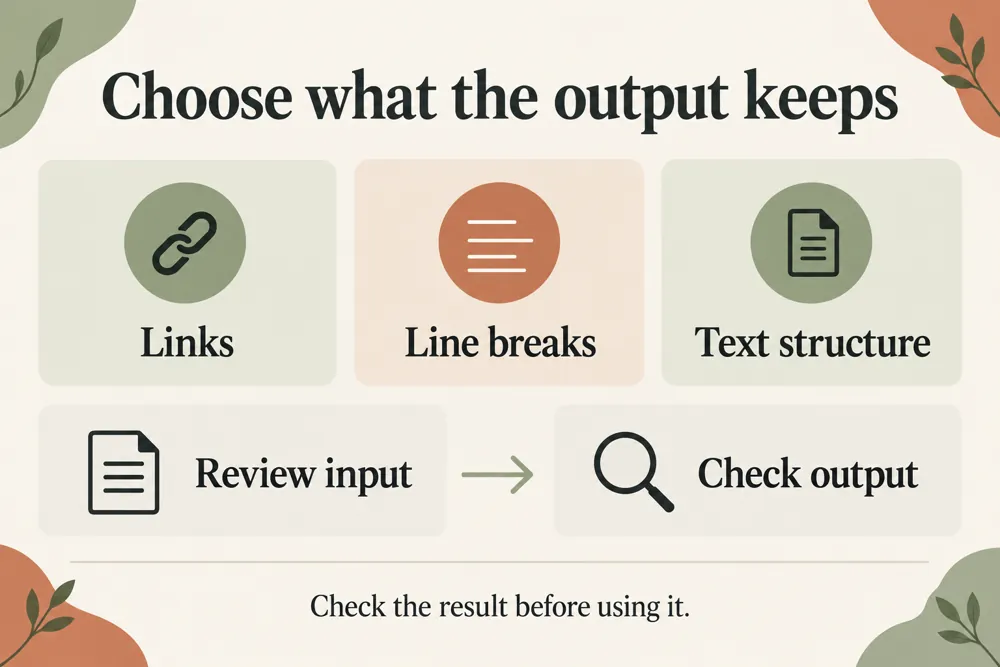
For HTML to text, keep link text and URLs, keep text only, or remove links. For text to HTML, choose semantic headings and lists, paragraphs only, or line breaks. A structure option and safe escaping help shape the result.

Review the output before using it. The tool converts supplied content; it does not recreate a complete website, preserve every design style, or change your published pages.

HTML to Text mode

Text to HTML mode

Link text and URL options

Text-only link handling

Semantic headings and lists

Paragraph-only HTML

Line-break output

Safe HTML escaping

Copy and download output
HTML and plain text conversion workflow and practical review steps
How It Works

How to convert your supplied content

Choose a mode and the formatting you need. Inspect the result for meaning, link handling, and structure before copying or downloading it.

Choose HTML to Text or Text to HTML
Paste the content you want to convert
Select link handling for text extraction
Choose the HTML output style where relevant
Set structure preferences and convert
Review, then copy or download the output
WHY USE THIS TOOL

Control links and structure in the output

Content copied from different sources can contain markup you do not need, while plain text may need a basic HTML structure. Clear conversion options make those changes easier to review.

Choose the output style that suits the destination. Check important links, headings, and lists so the converted content remains useful and accurate.

HTML and plain text conversion signals and findings illustrated

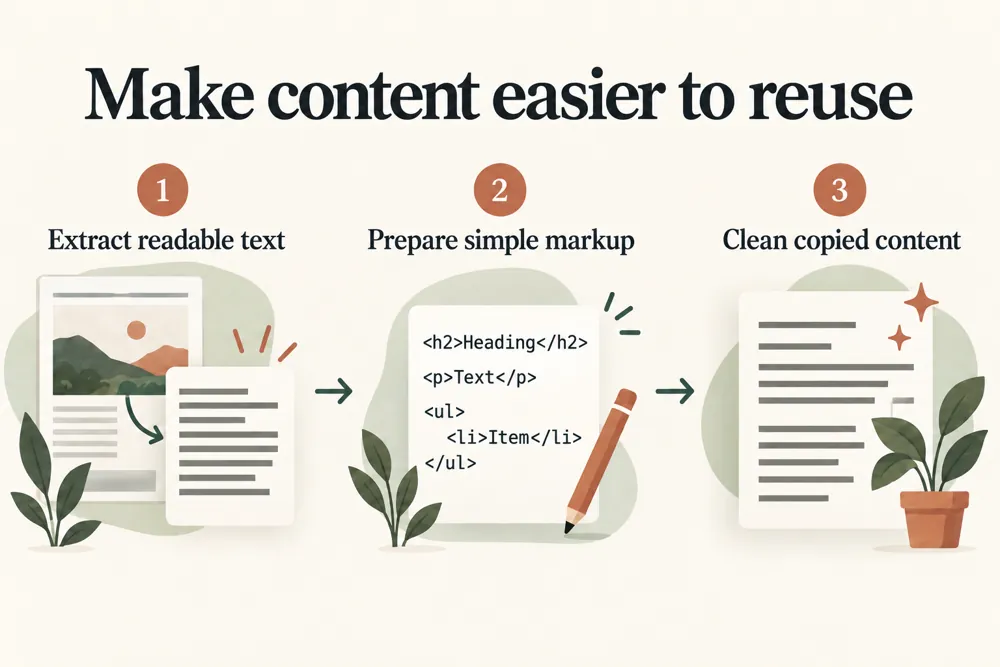
Extract readable text from supplied HTML

Create simple HTML from text

Control how links are represented

Choose useful paragraph and list structure

Review safely escaped output

Keep conversion in the browser

NEED HELP REVIEWING YOUR CONTENT?

Prepare readable text or simple HTML

Convert a small sample first when working with unfamiliar formatting. Review the output, then copy or download the version that fits your content workflow.

HTML and plain text conversion use cases for website owners and SEO teams
Use Cases

Who Can Use This Tool?

Use the converter for editing workflows, content preparation, simple HTML drafting, and readable text extraction from supplied markup.

Editors preparing copied content
Writers drafting simple HTML
Developers reviewing text output
Agencies cleaning supplied markup
Site owners preparing page copy
Content teams moving between formats
Marketers reviewing link handling
Safe & Secure

Browser processing and privacy

Conversion takes place in your browser. Supplied content is not uploaded and is not saved to the WordPress database.

The tool creates output for review and does not edit your website. Check the converted content before placing it in another application.

Free Tools

Other Free Tools From WebTrendSEO

Word Counter

Count words and characters in your supplied text.

Heading Tag Checker

Check H1–H6 heading structure on a public page.

Readability Checker

Review reading difficulty and sentence clarity in supplied content.

Website Word Counter

Count words across public pages or small website samples.

Content Brief Topical Gap Generator

Plan a content brief and review topical gaps.

Slug Generator

Turn page titles into readable URL slug suggestions.

Practical SEO tools from WebTrendSEO

HTML TEXT CONVERTER FAQ

HTML text conversion questions answered

Learn how the two modes work and which formatting options to review.

It supports HTML to Text and Text to HTML. Paste the content, choose a mode, and review the converted result.

Yes. Choose to keep link text and URLs, keep link text only, or remove links according to your task.

Choose semantic headings and lists, paragraphs only, or line breaks. Review the structure to make sure it suits the destination.

No. It converts supplied content and simple structure. It does not recreate an entire site or preserve every design style.

No. Conversion takes place in your browser, and supplied content is not saved to the WordPress database.

Yes. Review the output first, then use the copy or download controls. Check important links, headings, and lists before using it elsewhere.

CHOOSE YOUR CONVERSION MODE

Convert and review your content

Paste your content, choose a conversion mode, and review the formatting options. Check the result before copying or downloading it.